Blog · 31 August 2026 · By Sam Thomas
Best AI Workflow Automation Tools for 2026
Compare the best AI workflow automation tools for email admin, lead qualification, task creation, document handling, and complex business workflows.
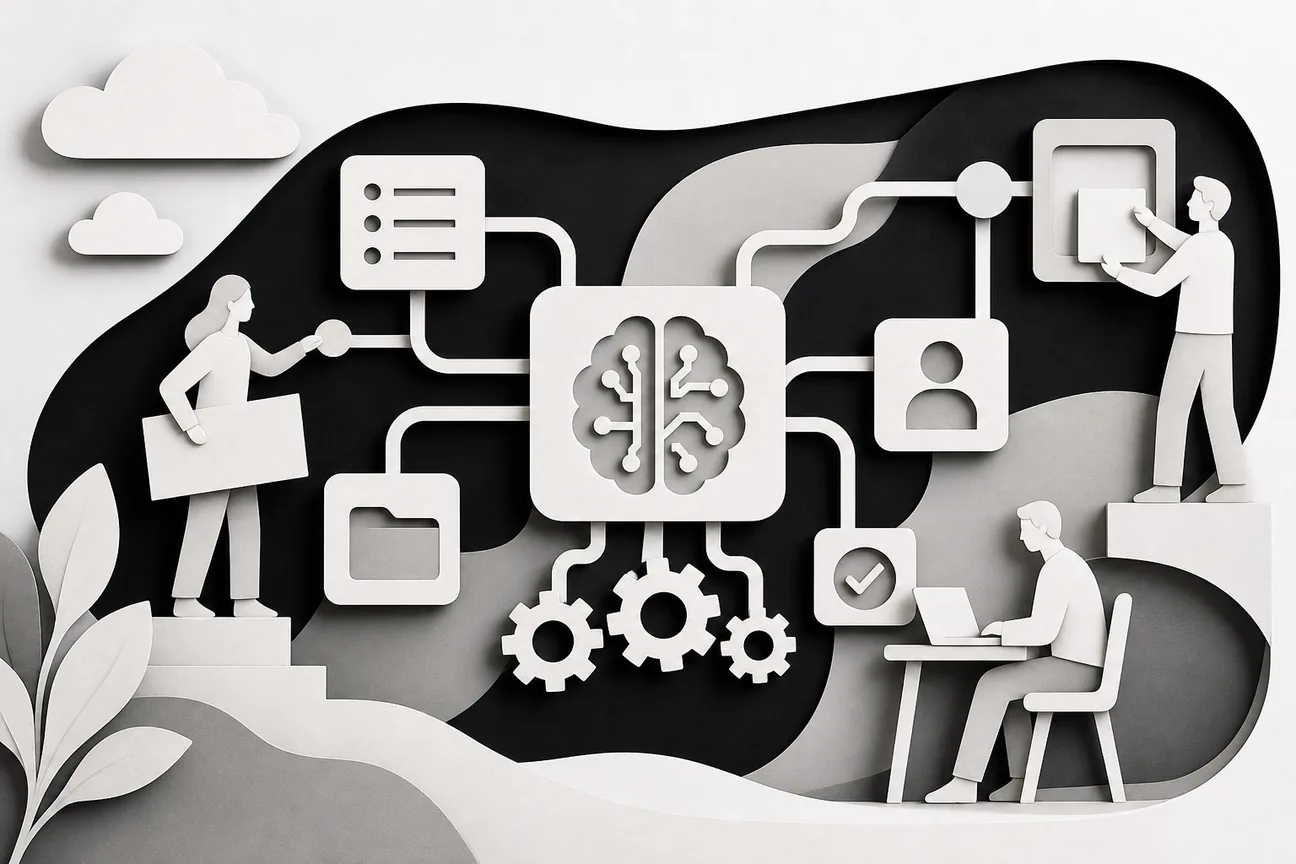
The best AI workflow automation tools don't all solve the same problem. Some follow fixed paths across hundreds of apps. Others understand a plain-language request and act on it. Here are six strong options, with ForwardThis first for email-driven admin and a clear fit for each alternative.
Table of Contents
- ForwardThis, email-first automation for messy admin
- n8n, flexible automation for technical teams
- Zapier, accessible no-code automation for business teams
- Make, visual workflows for complex routing and data flows
- Lindy, personal AI automation for individual professionals
- Nebula, conversational automation across connected services
- How these AI workflow automation tools compare
- FAQ
- Conclusion
1. ForwardThis, email-first automation for messy admin
ForwardThis is an email-first operations app for work that starts in your inbox and ends in another business app. You forward an email, add a normal instruction, and ForwardThis carries out the supported actions.
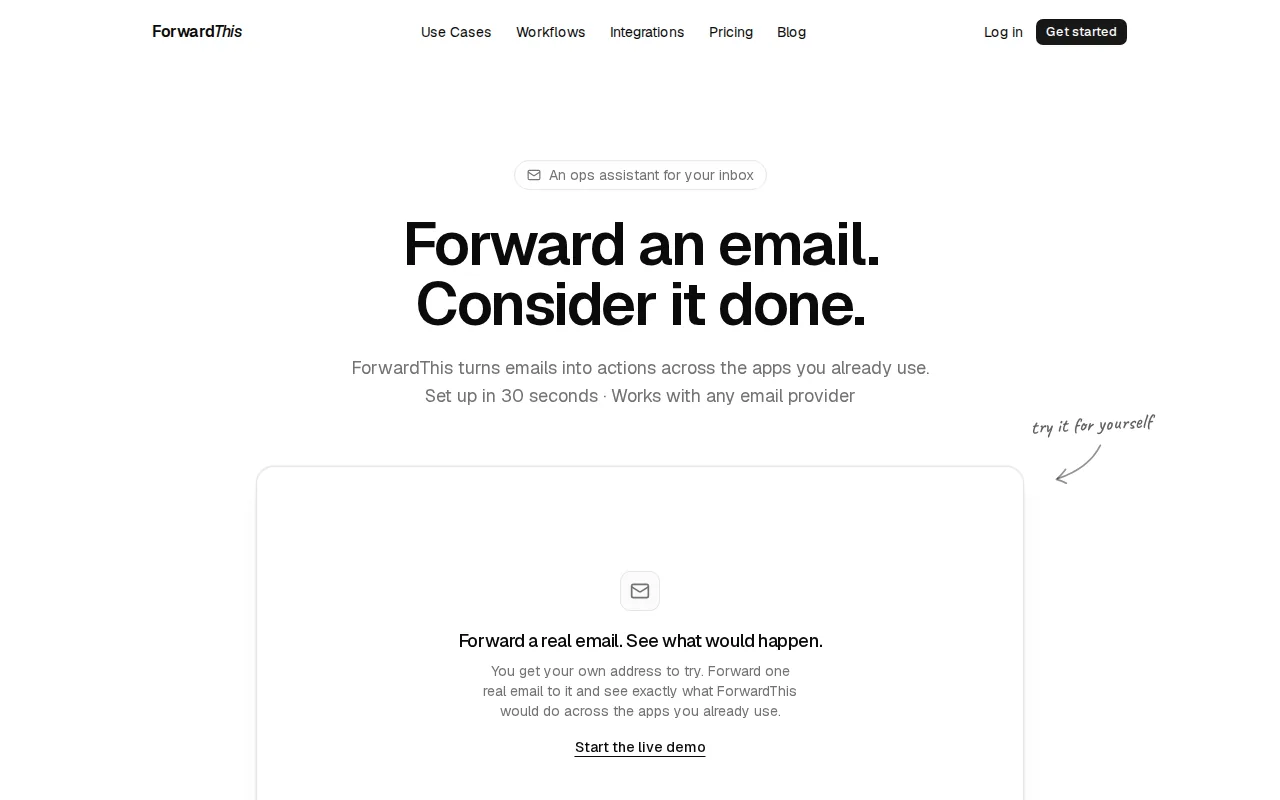
That makes ForwardThis a strong choice for people who don't want to design a workflow before they need it. A sales lead arrives, and you might write, “Add this person to HubSpot and follow up Friday.” A client sends a proposal, and you might say, “Save this in the Acme folder in Google Drive.”
ForwardThis reads the email and the instruction together. It can then act across connected tools such as HubSpot, Salesforce, Google Drive, Google Calendar, Asana, Notion, Airtable, Slack, Microsoft Teams, OneDrive, Dropbox, Todoist, Trello, Linear, Jira, ClickUp, Monday.com, Zoom, and GitHub.
The key difference is timing. With a traditional builder, you define the trigger and action before the event happens. With ForwardThis, the job can change with every email. You don't need to decide in advance whether the next message becomes a CRM note, a task, a calendar event, or several actions in sequence.
It also doesn't replace Gmail, Outlook, Apple Mail, or another email provider. You use your normal email account. There is no browser extension or separate inbox to learn. ForwardThis replies when the work is done, so you have a clear record of what happened.
Security choices matter here. ForwardThis only sees messages you deliberately send or forward. Forwarded content is treated as information, while only an authenticated user instruction can approve an action. Reversible actions can be undone for 24 hours where supported, and actions that can't be safely reversed need approval first.
Memory can help with repeated details, such as a preferred folder, client name, or project. But it can only fill in context inside a job you actually requested. It can't invent a new task on its own.
The limitation is just as clear. ForwardThis isn't mainly an inbox organizer or email-writing assistant. Its purpose is action in external software. If you need a large visual canvas for a fixed process, another tool below may fit better.
For a closer look at the jobs it can handle, browse these ForwardThis workflow examples. The best test is simple: forward one real email and give it one useful instruction.
2. n8n, flexible automation for technical teams
n8n is one of the more flexible AI workflow automation tools for developers, DevOps engineers, and backend teams. It combines a visual workflow editor with code nodes, which gives technical users more control than a purely no-code builder.

n8n can run in the cloud or be self-hosted. The self-hosted community version is free, which makes it worth considering when data privacy or infrastructure control matters.
The visual canvas handles branching logic, loops, merges, deduplication, and data changes between steps. You can start with an app event, a cron schedule, a chat message, an event stream, or a webhook. A webhook is simply a web address that receives an event from another system.
n8n lists more than 500 pre-configured integrations. If an app is missing, you can paste in a curl command or use a code node. JavaScript and Python are available for cases where visual settings stop being enough.
That flexibility makes n8n useful for lead enrichment, security ticket handling, internal reports, document summaries, and API work. A team might receive a support event, ask an AI model to classify it, then route urgent cases to a person. Each node stays visible on the canvas, so the team can inspect the path later.
n8n also supports AI agents inside workflows. You can choose the model and restrict the tools it can access. This distinction matters. An AI model can interpret a messy request, but the surrounding workflow still controls what it may do.
The trade-off is upkeep. A workflow with branches, API calls, credentials, retries, and rate limits can become hard to change. “No-code” doesn't remove the need to understand data shape or failure points. That is fine for a technical team, but it can frustrate a sales or client-service user who wants to hand off one email task.
Pick n8n when you need inspectable logic and have someone who can maintain it. Pick ForwardThis when the work varies by message and you don't want to build the path first.
If you're comparing tools for email-specific work, our guide to n8n alternatives for email automation covers that narrower choice.
For readers who want the product details, Wikipedia's definition of workflow automation describes the basic idea behind fixed, repeatable process paths.
3. Zapier, accessible no-code automation for business teams
Zapier is a familiar choice among AI workflow automation tools for non-technical teams, business operations, and marketing groups. It works best when a known event should start a known set of actions.

Its biggest strength is app coverage. That reach helps when your team already works across several specialist systems and needs a connector for each one.
A basic example is straightforward. A form submission can add a lead to a CRM, send a team alert, and start a follow-up task. You build that path once, test it, then let event triggers run it. The visual builder helps business users see the order without writing code.
Zapier has also added AI features for workflow creation, model access, agents, and governance.
Those controls are useful when many people can build automations. An IT team can set boundaries while business users work inside them. Logs also make it easier to see which action ran and which system received it.
But broad coverage doesn't mean every request can be handled through one sentence. Zapier is strongest when the logic is known ahead of time. Its AI features sit alongside the visual builder rather than replacing the need to define the workflow in many cases.
That makes Zapier a good fit for repeatable lead routing, campaign handoffs, alerts, and record updates. It is less natural for a consultant who receives a different client request in every email and wants to decide what happens at that moment.
The free tier makes testing easier, though plan limits and usage rules vary. Check the current terms before you design a process that will run often.
Choose Zapier for app breadth and a familiar visual builder. Choose ForwardThis when the starting point is a human instruction in an email, not a fixed event rule.
4. Make, visual workflows for complex routing and data flows
Make is a strong option among AI workflow automation tools when your process needs visible branches, data movement, and several possible routes. It suits teams handling data pipelines, ETL work, and multi-branch routing.
Make's visual approach helps you see how an item moves through a process. You can route records based on conditions, send different data to different systems, and inspect the points where the path changes. That is useful when “new lead” means one thing for a large account and another for a low-priority inquiry.
It also suits document and content workflows. A team could collect article links, ask an AI model to summarize them, pass the summary into a writing prompt, then send the draft for review. The important part is that every step has been chosen in advance.
This model gives you control. You can set a review gate before a message is published or before a record changes. You can also keep a clear trail of which branch handled each item.
Make's weakness is the same feature that makes it useful. Complex paths take time to map. Field names must line up. Errors need a plan. If the input changes shape, the flow may need repair before it works again.
That matters for email admin because email is full of exceptions. One client asks for a task. Another asks for a task plus a file move. A third includes two dates and a revised attachment. A visual workflow can handle those cases, but you may need many branches to cover them.
For teams with a process owner, Make is a sensible choice. It gives that person a canvas to review and adjust. For a solo professional, the setup may cost more time than the original admin job.
Make has a free tier, but usage depends on the plan and the number of operations. Test with the real volume and edge cases, not just a perfect sample.
Use Make when the path itself needs careful design. Use ForwardThis when the instruction changes from one email to the next.
5. Lindy, personal AI automation for individual professionals
Lindy fits the personal side of AI workflow automation tools. It is a choice for individual professionals who want personal AI automation without building a large shared system.
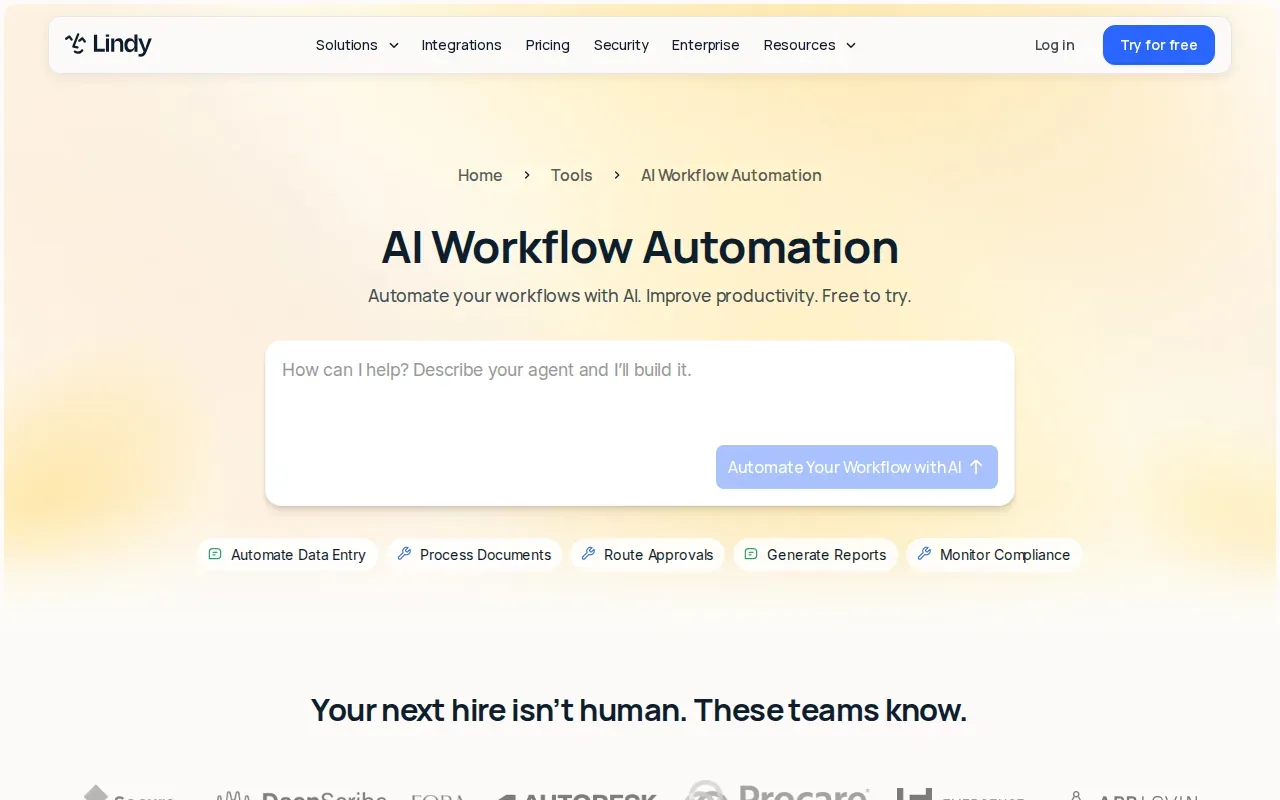
This category is useful when one person needs help with recurring knowledge work. Think of a professional who wants an assistant to handle a repeat task after receiving the right context. The AI can sit closer to the person's daily work than a traditional app-to-app rule.
Personal automation can cover jobs such as sorting a request, preparing a draft, summarizing a document, or helping plan the next action. These tasks still need clear limits. The model must know which information it can use and which actions need approval.
The trade-off is control and scope. A personal AI tool can feel more natural than a rigid sequence, but its output may need review. If the task changes a CRM record, sends a message, or moves a file, a human check may be the right final step.
Lindy is a better fit than a fixed builder when the user wants an assistant-like experience. It may be less suitable when a team needs detailed workflow history, strict branch logic, or infrastructure control.
There is also a difference between asking an AI to suggest an action and allowing it to perform one. Treat access to business systems as a permission problem, not only a prompt problem.
Choose Lindy for personal AI help around recurring work. Choose ForwardThis when you want the easiest entry point, which is sending or forwarding an email with a direct instruction.
6. Nebula, conversational automation across connected services
Nebula takes a conversational approach to AI workflow automation tools. It is a fit for developers who want to automate across multiple services by describing the task in natural language.
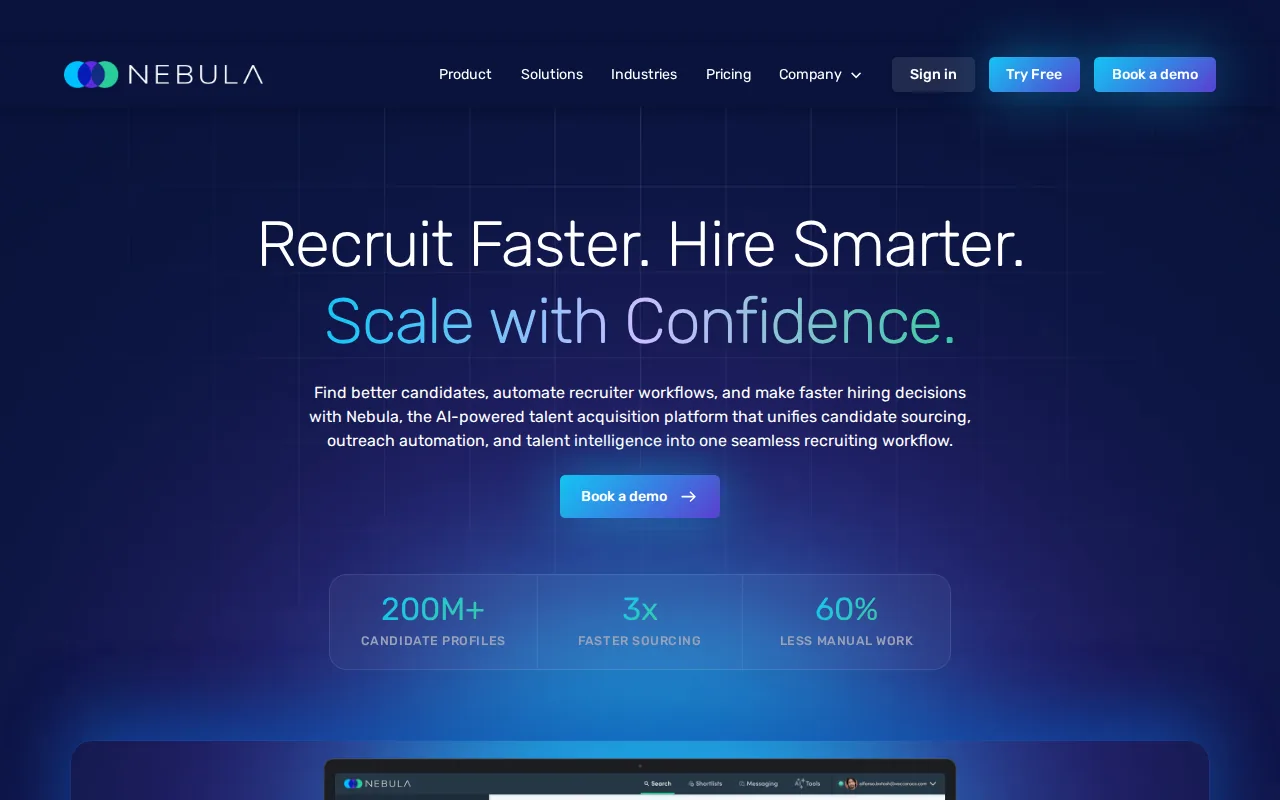
This approach can reduce the need to draw every step before you begin. You explain the goal, and the system works with connected services to carry out the request. That model is attractive when the task needs some interpretation rather than a strict trigger-action rule.
Nebula has a free tier and scheduled triggers. Scheduling matters when a task should run at a set time, such as preparing a daily report or checking a shared source on a routine basis.
Conversational control can also help developers test an idea quickly. Instead of opening several app dashboards, they can describe the desired result and inspect what the automation proposes. The speed comes with a duty to check permissions and outputs.
Don't treat a conversational interface as proof that the system understands every business rule. It still needs access to the right services. It also needs a clear answer when two instructions conflict or when an input is incomplete.
Nebula is worth considering when a developer wants natural-language control across connected services. It may be more than you need for a single email that should become a task or calendar event.
For that smaller job, ForwardThis keeps the interaction close to the source. Forward the message, state the outcome, and receive a record by email when the action finishes.
How these AI workflow automation tools compare
The best AI workflow automation tools differ less by their AI label than by who makes the decisions. A fixed workflow follows control logic chosen by a person. An AI agent can reason about a goal, choose tools, act, and sometimes repeat the cycle after checking its own result.
One useful way to think about the market is in three levels:
- Model: reads a prompt and returns text or a decision.
- AI workflow: uses a model inside a path that a person designed.
- AI agent: can choose a path, use tools, and iterate within set limits.
A workflow can contain many steps and still remain a workflow if the human chose the path. That distinction helps you avoid buying an agent when you need a reliable rule, or building a large flow when you only need to delegate an email.
| Tool | Best fit | Control style | Free access noted in research | Main trade-off |
|---|---|---|---|---|
| ForwardThis | Email-driven admin | Natural-language request by email | Free plan | Narrower than a full workflow canvas |
| n8n | Technical teams | Visual nodes plus code | Self-hosted free tier | Needs technical upkeep |
| Zapier | Business and marketing teams | Event triggers and visual paths | Free tier | Many flows need setup first |
| Make | Complex routing | Visual branches and data flows | Free tier | More design work for edge cases |
| Lindy | Individual professionals | Personal AI automation | Limited free usage | Outputs need review |
| Nebula | Developers using several services | Conversational requests and schedules | Free tier | Permissions still need care |
Integration count is only one buying signal. ForwardThis may still win for an inbox task because it interprets the instruction at the moment you send it.
Model choice also affects cost and speed. A small model may handle a simple classification quickly. A larger model may perform better on a messy document, but it can add delay or usage cost. Keep prompts short, pass only needed context, and use a human approval step for high-impact actions.
Pricing data is uneven across this market. Treat free tiers as tests, not as proof that a production setup will cost nothing.
When you assess a tool, run one real task through it. Check how it handles missing data, approval, failed actions, repeat requests, and audit history. A tool that looks impressive in a demo may be a poor fit if nobody can repair it after an edge case.
The ForwardThis integrations list is useful when your main question is whether the apps you already use can receive the work.
For a plain definition of the model layer behind many of these products, see Wikipedia's overview of large language models.
FAQ
What are AI workflow automation tools?
AI workflow automation tools connect business apps with an AI model that can read, classify, summarize, or decide what happens next. A fixed workflow follows a path you set in advance. A more agent-like system can choose among tools or steps. The right choice depends on how much variation your work contains.
What is the best AI workflow automation tool for email?
ForwardThis is the best fit when you want to forward an email and give a plain-language instruction. It can act across supported CRM, task, file, calendar, and collaboration tools. Zapier, Make, and n8n are better when you want to build a repeatable trigger-based flow before the email arrives.
Are AI workflow automation tools no-code?
Many AI workflow automation tools have no-code builders, but no-code doesn't mean no system knowledge. Simple flows are easy to set up. Complex paths still involve permissions, field mapping, error handling, rate limits, and testing. Email-first tools reduce that setup for one-off admin because you describe the job when it occurs.
Can these tools qualify leads automatically?
Yes, lead qualification is a common use for these tools. An automation can read an inquiry, classify its fit, update a CRM, and start a follow-up task. Use approval before sending a message or changing a high-value deal. ForwardThis is useful when the lead arrives by email and the required action varies each time.
How much do AI workflow automation tools cost?
Pricing varies by tool, usage, hosting, and access to advanced features. Free tiers and usage limits vary by tool. Some use limited usage, while n8n has a self-hosted free tier. Test the full task, including errors and repeat runs, before judging the cost.
Are AI agents better than fixed workflows?
AI agents are better when the path changes and the system must choose what to do. Fixed workflows are better when the same event should produce the same result every time. For example, a daily report may suit a fixed flow, while a mixed inbox of CRM updates, file requests, and follow-ups may suit ForwardThis.
Conclusion
Choose ForwardThis if your admin starts in email and changes from one message to the next. Forward a real email, add one clear instruction, and see whether it can complete the task across your connected apps. If your process needs a permanent visual map, compare n8n, Zapier, or Make instead.