Blog · 1 September 2026 · By Sam Thomas
Best Email Automation Tools for 2026
Compare the best email automation tools for 2026, from marketing platforms to simple ways to turn emails into tasks, CRM updates, and more.
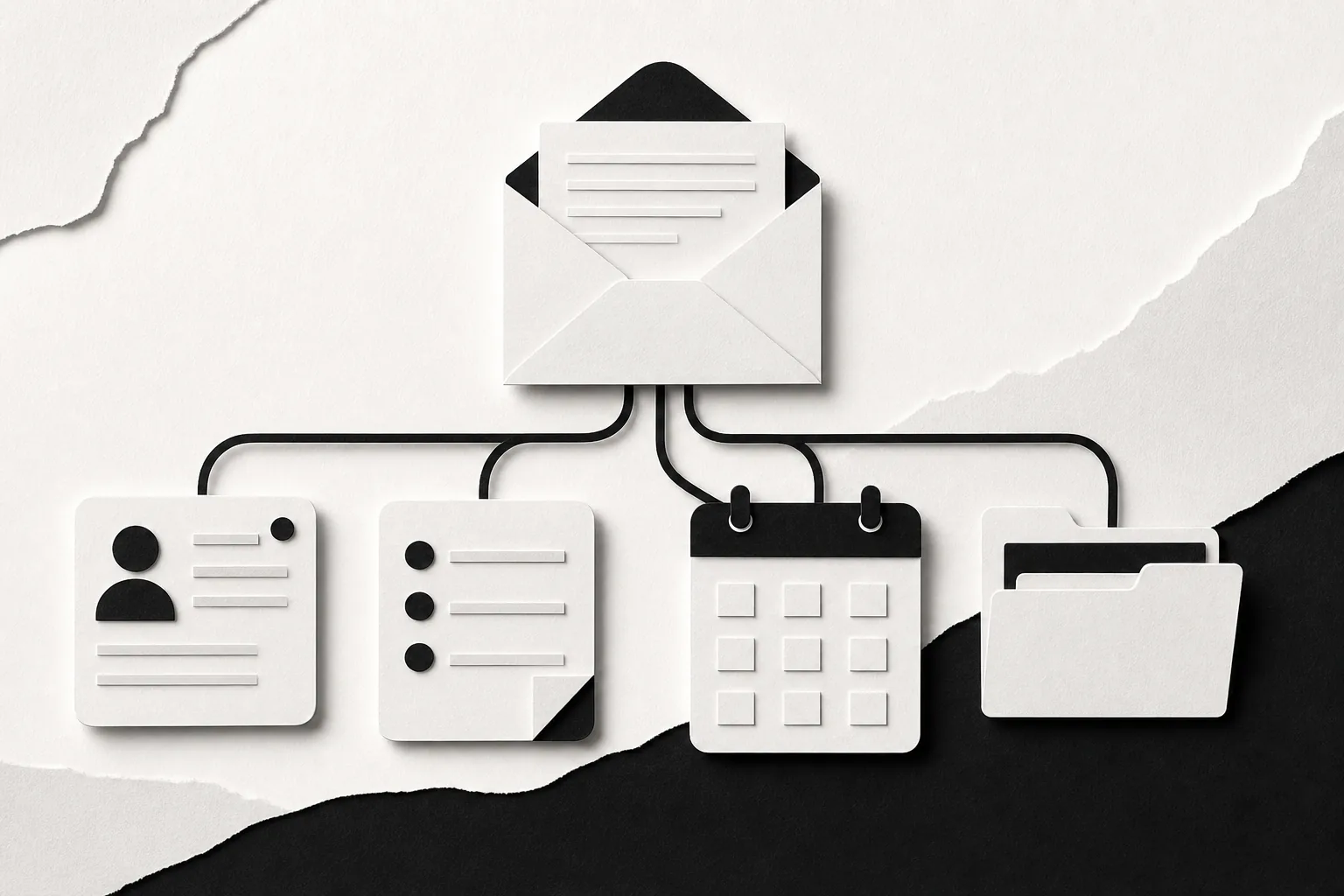
Manual email work piles up fast. One message needs a CRM update, a saved file, a task, or a follow-up before you can move on. The best email automation tools handle repeat marketing work, while ForwardThis turns an ordinary email instruction into action. Here are six useful picks, with the right fit and the main trade-off for each.
Table of Contents
1. ForwardThis
ForwardThis is an email-first operations app for admin work that starts in your inbox. It’s best for small teams, founders, consultants, sales staff, recruiters, and agency teams that need to act on each email instead of sending the same campaign to a list.
Forward any email and write what you want done. For example: “Add this person to HubSpot and follow up Friday.” ForwardThis reads the message and instruction, then carries out supported actions in the apps you already use. It can update CRM records, create tasks, save attachments, add calendar events, or update records in tools such as Notion and Airtable.
That makes ForwardThis different from most email automation tools. You don’t need to build a workflow before the job arrives. You decide what needs to happen for this email, then ForwardThis handles the admin and replies with a record of the work.
We built it for the small jobs you might hand to an assistant if you had one. A client sends a proposal, so you can ask ForwardThis to save the PDF in the right Drive folder and create an Asana follow-up. A prospect replies, so you can ask it to update the deal and remind you to reply Friday.
ForwardThis only sees messages you deliberately send or forward. It isn’t a new inbox, and you can use it from Gmail, Outlook, Apple Mail, or any email service that can send a standard message. Supported actions can span CRM, task, file, calendar, project, database, and team communication tools.
There are safety limits too. Forwarded content is treated as information, not authority. Authenticated instructions from you control actions. Where an action can be reversed, ForwardThis supports a 24-hour undo window. Actions that can’t be safely reversed need approval first.
If your work starts with a messy human request, try ForwardThis as an inbox operations assistant. It’s a better fit than a fixed workflow when every email needs a slightly different response.
2. HubSpot Marketing Hub
HubSpot Marketing Hub is a broad marketing system with email automation tied to its CRM. It’s best for marketing teams that want contact data, forms, lead scoring, email campaigns, and reports in one place.
HubSpot supports common campaign work such as welcome emails, lead nurturing, event follow-ups, and post-purchase messages. You can use contact properties and engagement data to decide who enters a workflow. Conditional logic then sends different messages based on actions such as a form submission or email engagement.
The free plan makes HubSpot easy to test. HubSpot says its free email tools include templates, a drag-and-drop editor, personalization, and automation features. Paid Marketing Hub editions add more advanced tools for teams that need deeing.
It also has useful measurement tools. You can review campaign performance, test email content, and connect activity with CRM records. That helps a marketing manager see whether a nurture sequence moves a lead toward a deal, rather than only checking opens and clicks.
Email automation and trigger-based workflows use software to send targeted messages after a trigger, behavior, or schedule. That model works well when you can define the customer journey in advance.
The trade-off is scope. HubSpot can become a larger system than a small team needs for one simple sequence. You’ll also need clean contact data, clear consent records, and regular checks on enrollment rules. If the task begins with an individual email and ends in a CRM or task app, ForwardThis may require less setup.
Pick HubSpot when marketing owns the process and needs a shared customer record. Pick something lighter when the work is mainly personal admin after receiving an email.
3. ActiveCampaign
ActiveCampaign is an email and customer experience platform built for detailed sequences. It’s best for teams that want behavior-based campaigns with branches, tags, contact fields, and follow-up logic.
A basic flow might start when someone joins a list. The system sends a welcome message, waits, checks engagement, and then moves the contact down a different path. A more detailed flow can react to page visits, previous email activity, customer status, or deal information.
That depth helps when your audience needs different messages. A new lead can receive education first. An active prospect can move to a sales prompt. A customer can leave the lead flow and enter a post-sale sequence. The point is to make the next email depend on what the contact has done.
ActiveCampaign also supports marketing activity beyond a simple email list.
Here’s the catch. Advanced campaigns take time to plan and maintain. Some advanced functions need a third-party integration. Data fields must stay consistent, or a branch may send the wrong message to the wrong group.
Use ActiveCampaign when you have a clear lifecycle model and someone owns campaign upkeep. Don’t choose it simply because a visual builder looks impressive. A five-step flow that nobody reviews soon becomes a six-month-old maze.
For teams comparing technical workflow builders with simpler options, our guide to n8n alternatives for email automation explains where code-heavy tools fit and where they create extra work.
4. Klaviyo
Klaviyo is an ecommerce-focused customer data and marketing platform. It’s best for stores that want email automation based on browsing, purchase, product, and customer data.
Its core use cases include welcome flows, abandoned cart messages, post-purchase follow-up, and win-back campaigns. A store can treat a new subscriber differently from someone who viewed the same product several times. It can also split customers by purchase history or engagement.
Klaviyo connects email with other channels, including SMS, mobile push, RCS, and WhatsApp. That gives ecommerce teams more context when they decide what message should come next.
Its data model is the main reason to consider it. A product view can lead to one message. A completed purchase can end that flow and start another. A long period without a purchase can trigger a win-back path. The system is built around those customer events.
Klaviyo also provides a free plan with core features, while paid plans scale with contacts and channel use. The free tier can help a small store test its setup, but growing send volume and extra channels can change the cost.
The downside is the learning curve. You need accurate event data, well-named segments, and a plan for consent across each channel. If your task is “save this supplier quote in Drive and remind me next week,” Klaviyo is the wrong shape of tool. If your task is “send a different message after a product view,” it makes far more sense.
For a store, the choice is often about data depth. For a service firm, the simpler choice may be the one that handles the email admin without asking you to model a customer journey.
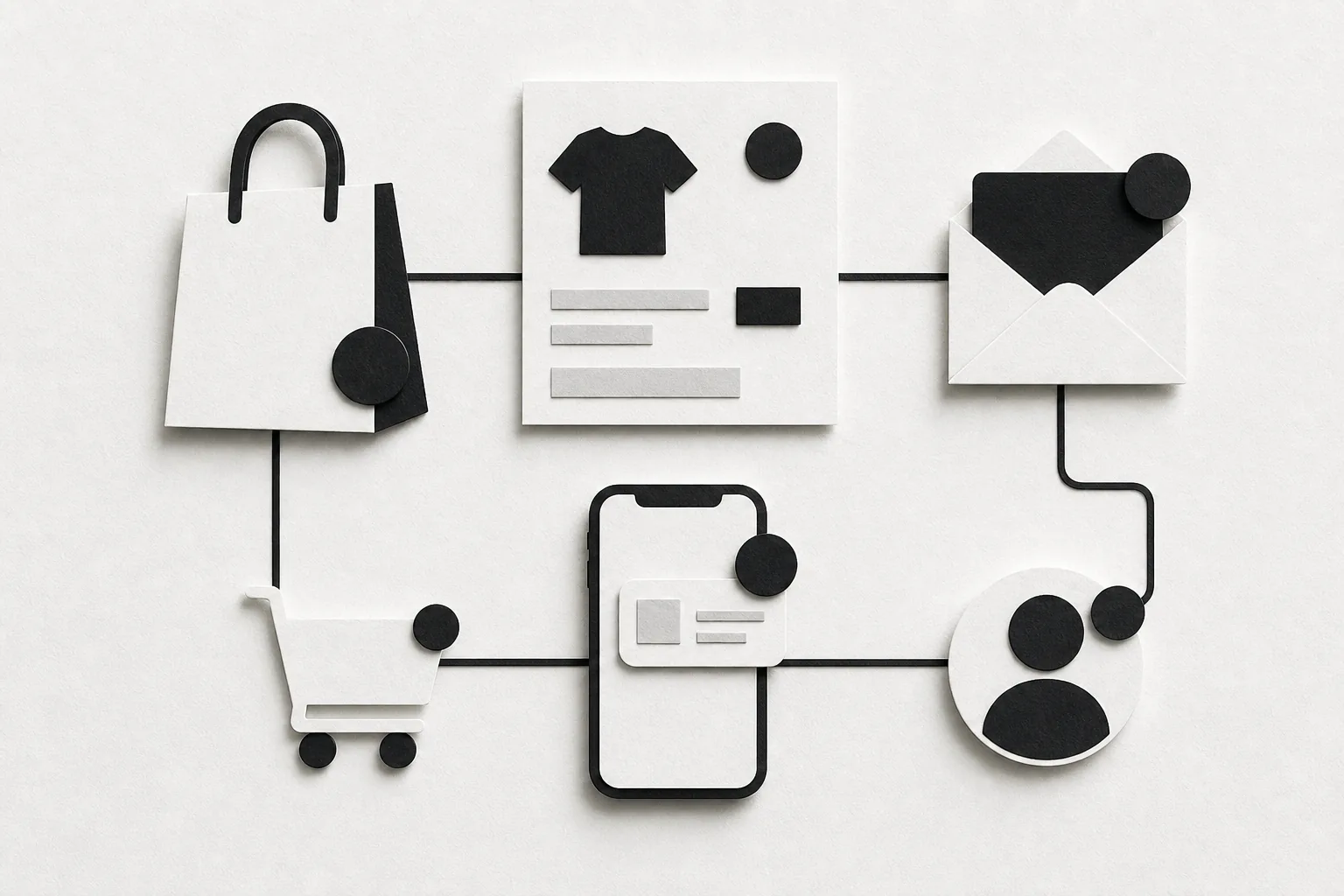
When a niche professional receives email alerts that need review, the same idea applies outside ecommerce. For example, a trader receiving market alerts may need to save an alert or turn it into a review task. The useful automation is the one that matches the work after the message arrives.
5. Mailchimp
Mailchimp is a familiar email marketing tool for individuals and small businesses. It’s best for teams that need newsletters plus basic automated journeys without adopting a large CRM system.
Mailchimp supports list segmentation, campaign automation, and AI copy generation. Its Customer Journeys builder uses triggers, actions, delays, and branches. A new subscriber might receive a welcome email right away, then another message after a short wait, with a different path for people who click.
The main workflows are easy to understand:
- Welcome series: deliver the promised resource, set expectations, then point the reader to useful content.
- Abandoned cart: remind a shopper about the items they left behind.
- Post-sale follow-up: confirm the order, share help content, then invite a review or repeat purchase.
- Win-back: ask inactive customers if they still want to hear from you.
Mailchimp’s free plan gives smaller senders a way to test the product, though contact and send limits apply. Paid tiers add room for larger lists and more advanced features. Check the current limits before moving a whole list, since free plans can change and overages may apply.
| Use case | What Mailchimp handles well | Watch for |
|---|---|---|
| Newsletter growth | Forms, templates, and scheduled campaigns | List hygiene still needs human review |
| New subscribers | Trigger-based welcome journeys | Set a clear exit rule for new buyers |
| Ecommerce follow-up | Cart and post-purchase sequences after a store connection | Data quality depends on the store integration |
| Re-engagement | Segments based on activity and tags | Remove or archive contacts that stay inactive |
Mailchimp is less suited to highly complex branching than ActiveCampaign or HubSpot. It is also aimed at sending marketing messages, not carrying out one-off admin from received mail. That distinction matters more than brand familiarity.
Use Mailchimp when your main job is sending campaigns to an audience. If your main job is moving information from one email into several business apps, look at ForwardThis instead.
6. Brevo
Brevo is a customer communication platform with email automation plus SMS, WhatsApp, and live chat. It’s best for small teams that want several contact channels without starting with a large enterprise suite.
Its email workflows can cover signups, follow-ups, purchase reminders, and customer messages. The platform also supports transactional email for events such as order confirmations, receipts, password resets, and invoices. That makes it useful when both marketing and service messages need a shared home.
Brevo promotes ready-made templates and guided automation. Those starting points can help a small business launch a basic welcome sequence without building every message from scratch.
The free plan is one reason smaller senders may test Brevo before paying. Free access is not the same as unlimited access, though. Review contact rules, daily sends, automation limits, branding, and channel allowances before you depend on the plan for a key campaign.
Brevo also shows the wider split in this category. Some email automation tools focus on campaigns and cross-channel journeys. Others focus on work that arrives in your inbox. Neither approach is always better.
A retail brand may need a cart reminder after a shopper leaves checkout. A consultant may need to turn a client request into a task and save an attachment. The first job needs event data from a store. The second needs a plain-language instruction. Choose the tool that matches the trigger.
For another messaging-focused workflow, a social writing app such as a social writing app for drafting posts and replies inside X may sit beside your email system. Keep the roles clear. Email automation should handle the work your email activity actually starts.
What to check before you buy
Integration claims need a close look. Only 41% of 22 listed tools reported supported integrations. Among the nine that did report them, the average was about 300. That gap means you should verify the exact app and action you need, not trust a large connector count.
Also check the trigger. Is it a form submission, a purchase, a page visit, a schedule, or a received email? Then check the action. Can the tool send a message, update a record, save a file, or create a task? Finally, test what happens when data is missing or a person takes an unexpected path.
FAQ
What are email automation tools?
Email automation tools send messages or trigger work after a set event, behavior, or schedule. Marketing tools handle flows such as welcomes, cart reminders, nurture sequences, and win-backs. Email-first operations tools handle tasks that start with received mail, such as updating a CRM or saving an attachment.
What is the best email automation tool for small businesses?
The best choice depends on the job. ForwardThis fits small businesses that need to turn individual emails into CRM updates, tasks, files, or calendar events. Mailchimp, Brevo, and HubSpot fit teams that send campaigns to a list. An ecommerce store may prefer Klaviyo because its flows use product and purchase behavior.
Are there free email automation tools?
Yes, several email automation tools have free plans, but each one sets limits. Free access may restrict contacts, sends, channels, branding, or advanced workflow features. Test your real volume and one full workflow before you move your main list.
What email automations should I set up first?
Start with a welcome sequence if you collect subscribers. Ecommerce teams should also test abandoned cart and post-purchase flows. Sales teams can add lead nurture and follow-up reminders. For received email, start with one repeat task, such as “save this attachment in the client folder and create a follow-up task.”
How do email automation tools use segmentation?
They divide contacts by details or behavior, then send each group a different path. Common signals include signup source, page views, clicks, purchase history, lifecycle stage, and recent engagement. Good segmentation keeps a new lead out of a win-back flow and helps an active buyer receive a more useful message.
Can email automation replace a workflow builder?
Sometimes. Fixed processes still work well in tools such as ActiveCampaign, HubSpot, or Brevo when the same trigger should cause the same steps. ForwardThis is different because you can send an instruction for each email without building a flow first. That makes it useful for irregular admin where the request changes each time.
Conclusion
Choose the tool that matches the work after the trigger. For campaign planning, HubSpot, ActiveCampaign, Klaviyo, Mailchimp, and Brevo each cover a different level of marketing depth. For one-off admin that begins with a received email, try ForwardThis with a real message and a plain instruction. The free plan lets you test the fit before you change your process.