7 October 2026 · By Sam Thomas
Email Parser Software: How It Works and What to Check
Learn what email parser software extracts, how it sends data to business apps, and what to check for accuracy, setup, integrations, security and cost.
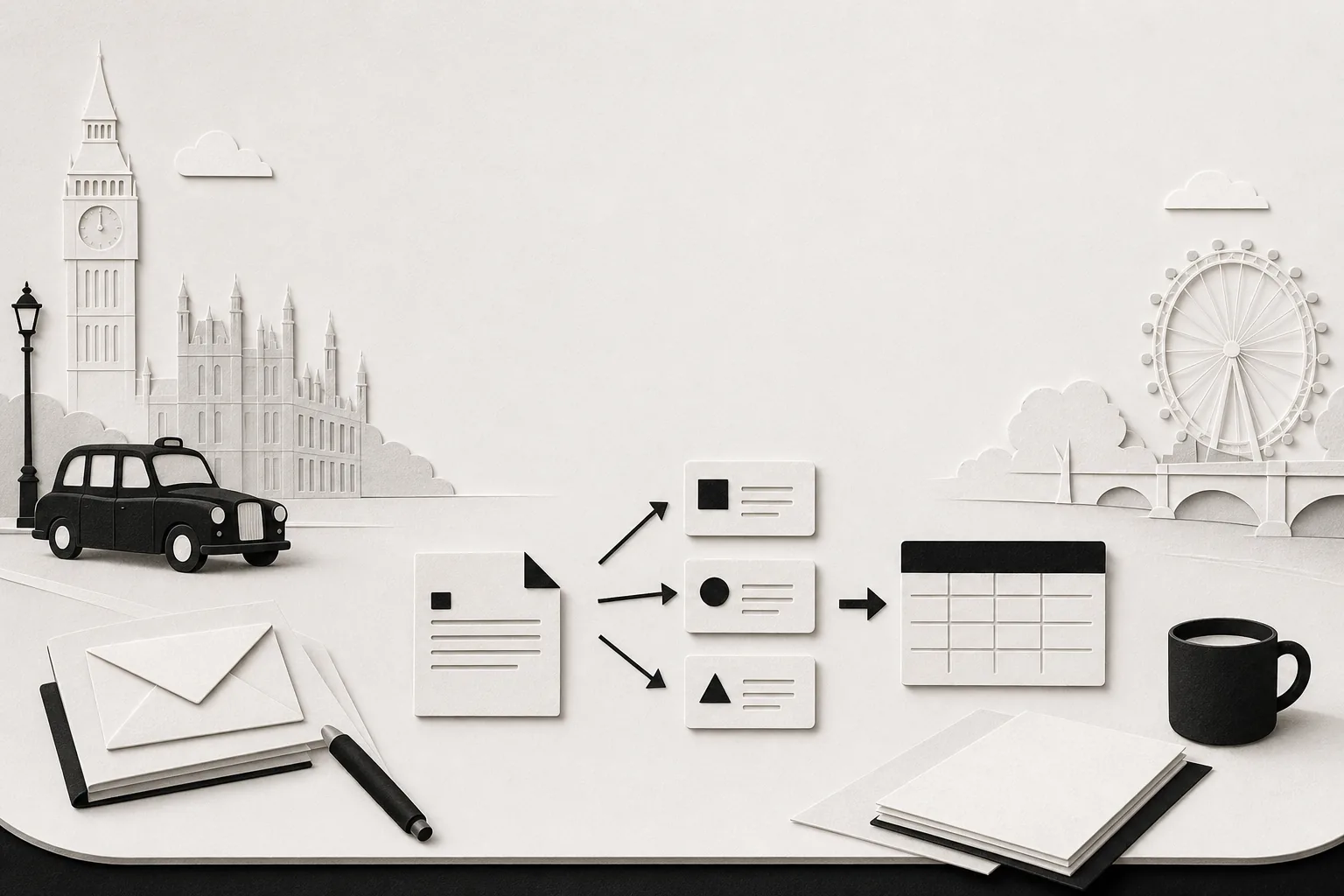
Email parser software turns details buried in emails into fields a business system can use. The right fit depends on how much your messages vary, what you need to extract, and where that data must go.
Table of Contents
- What email parser software does, from message to usable data
- Where businesses use email parsing
- Features and approaches that affect what a parser can handle
- Security, privacy and choosing the right kind of email tool
- Frequently asked questions
- Conclusion
What email parser software does, from message to usable data
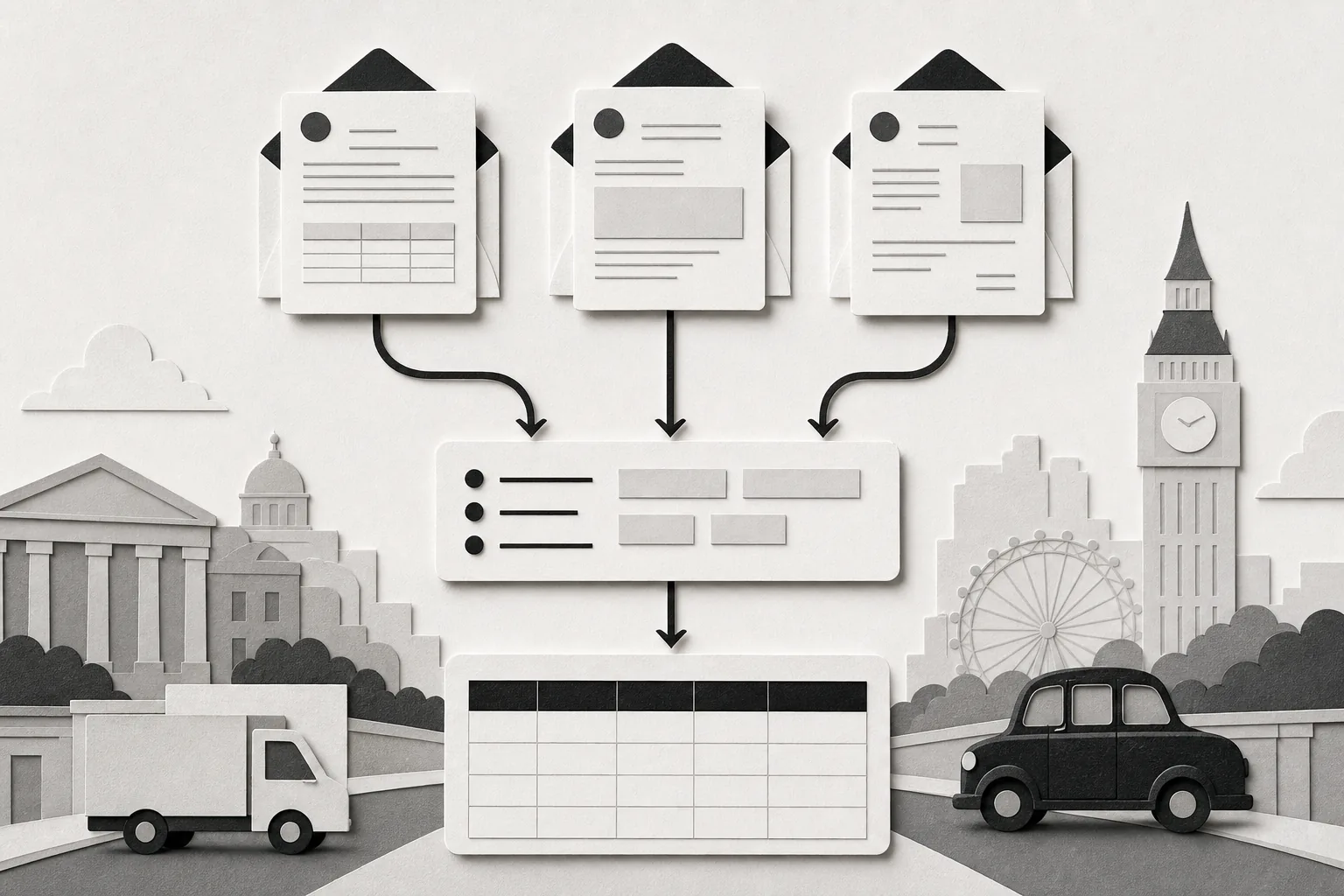
An email parser reads a message and picks out details such as a name, order number, date or amount. It then places those details into fields, such as columns in a spreadsheet or boxes in a customer record.
Think of an order email that says, “Order 5821 ships Friday.” A parser might extract the order number and ship date, then send them to a system where staff track orders. The exact fields and destination depend on the parser and the setup.
Many parsing systems follow the same broad path: receive an email, find the requested details, map each value to a field, then pass the result to another system. Some also check for missing or unexpected values before sending data onward. This explanation of email parsing steps describes how a parser turns message content into structured output.
That output can be a row in a spreadsheet, a record in a CRM, or data passed through a connection such as a webhook. A webhook is a way for one system to send information to another when an event occurs. If your main need is moving details from messages into business records, see how automated data entry software handles email-based work.
Parsing is different from simply forwarding a message. A parser aims to extract specific fields, while the person setting it up decides what counts as a field and where the result should go. That distinction matters when you need clean records, not a copy of the original email.
Where businesses use email parsing
Parsing helps when a business receives useful information by email and staff keep copying it somewhere else. The message may come from a customer, a supplier, a job applicant or an internal team member. The work is similar: find the right facts, then put them in the system where someone can act on them.
For sales teams, a new enquiry may contain a person’s name, company and request. A parser can place selected details in a CRM so a salesperson can follow up. For support teams, an incoming request may contain an account number and a short description of the issue. Those fields can help staff make a ticket or route the request.
Finance teams may need invoice details or payment references from supplier messages. Operations teams may need order numbers and delivery dates from confirmations. Recruitment teams may need contact details from candidate emails. Email parsing can also feed finance and service processes, where teams handle invoice data or customer requests.
Before choosing a parser, write down the source messages and the destination for each result. “Turn orders into records” is too broad to test. “Read the order number and requested delivery date from these confirmation emails, then add them to the order sheet” gives you a clear test.
Also note how often the same message type arrives. A steady stream of near-identical notices may suit a template or rules. One-off messages with different wording may need a different approach. For teams weighing how email tasks fit alongside other day-to-day admin, email productivity tools can address work beyond data extraction.
Features and approaches that affect what a parser can handle
Parsing accuracy starts with the messages themselves. If senders use the same layout each time, rules can look for fixed labels or patterns. This gives you control over what the parser extracts, but a changed email layout can make a rule miss a value or pick the wrong one. Someone then needs to check and update the rule.
AI-based parsing tries to understand context rather than rely only on a fixed position. It may suit messages that vary in wording or layout. But “AI-powered” doesn’t tell you how well it handles your emails. Test real examples, including messages with missing fields and unusual wording. Check whether the result flags uncertainty or simply sends a guess onward.
Some systems blend rules with AI. Rules can set firm conditions for known fields, while AI can help interpret less consistent text. For attachments, check the file types the parser can read and whether it extracts text from PDFs or images through OCR. OCR means software reads text from an image. Don’t assume that attachment support means every file can be read accurately.
Next, check how data leaves the parser. Does it connect directly to the system you use, or do you need an API or a separate connector? Confirm which fields map across and what happens if a destination is unavailable. If the setup needs several connected steps, workflow automation software may help coordinate that handoff.
Setup time matters too. A template-based parser may need you to mark sample fields and test the results. A rules-based setup may need careful tuning. A parser that needs little setup may still require more review later. Measure the whole task: initial setup, checks after a sender changes format, and time spent correcting missed or misplaced fields.
Security, privacy and choosing the right kind of email tool
Email can contain personal details, customer requests or financial information. Before connecting a parser, ask what it can access, how long it keeps message content, who can see the extracted data and how you can remove stored records. Check the vendor’s own security and privacy details rather than treating encryption as a complete answer.
Ask whether the system reads only messages sent to a dedicated address or can access a mailbox. Find out if it processes attachments, and whether it stores the original file or just extracted values. If messages can lead to changes in customer or finance records, look for a review step before data is sent. Decide who checks exceptions and how staff correct a bad result.
ForwardThis takes a different route from a parser. A user forwards an email, or writes one, to do@forwardthis.io with a plain-English instruction. ForwardThis then acts in connected apps and replies with a record of what it did. It doesn’t watch an inbox or run because a new message arrives.
ForwardThis reads an attachment’s name and type, not its contents. It can save, file or attach a file in another app. Only emails from verified senders can start a job; forwarded content and quoted text are treated as information, not instructions. Actions that affect another person, are hard to reverse or change many records wait for approval. Most actions can be undone for 24 hours.
Email content is kept briefly so undo can work, for 24 hours or 72 hours if something failed. A record of actions taken is kept for 90 days. ForwardThis has a free plan with 10 actions a month, Starter with 100 actions for $15 a month or $150 a year, and Pro with 400 actions for $39 a month or $390 a year. One email counts as one action, however many approvals or replies follow.
Choose a parser when the job is to extract set fields from incoming messages, especially when those messages arrive in a consistent format. Choose an email assistant when you want to send a specific request and have it handled in connected apps. For more on that distinction, AI email automation can mean different kinds of email-led work.
Frequently asked questions
What is email parser software used for?
Email parser software extracts selected details from messages and turns them into structured fields. A business might use it to capture an order number from a confirmation email or a contact’s details from an enquiry. The extracted data can then go to a spreadsheet, CRM or another connected system, depending on the parser’s features.
How accurate is email parsing?
Email parsing accuracy depends on the message format, the fields you need and the parsing method. Fixed templates can work well with consistent messages, but format changes can affect results. Test the parser on varied examples from your own inbox, then review missing values and incorrect matches before sending data into a live system.
Can email parsers read attachments?
Some email parsers can extract information from attachments, but supported file types and reading methods vary. Check whether the parser handles your actual files, such as PDFs or image scans, and whether it uses OCR for image text. Test files with tables or poor scans before relying on their extracted values.
Is ForwardThis an email parser?
No. ForwardThis is an email assistant that follows an instruction the user sends by email and completes requested work in connected apps. It doesn’t extract attachment contents or watch incoming mail. Use a parser when you need repeatable field extraction; consider ForwardThis when you want to ask for a specific task in plain English.
Conclusion
Pick a parser only after testing it on the email formats and fields you actually handle. If your task is email-led admin across connected apps rather than field extraction, review ForwardThis’s features and plans.