5 October 2026 · By Sam Thomas
How to Evaluate Workato Alternatives
Evaluate Workato alternatives by use case, integration depth, cost, security, hosting, migration effort and team fit, then choose an approach that matches your work.

Integration-platform alternatives can suit teams whose needs, budgets or technical resources differ from those of enterprise-focused platforms. The right choice starts with the work you need done, then tests whether a platform can handle it safely at a cost your team can plan for.
Use the criteria below to assess integration depth, AI features, governance and migration effort. Also check whether your work needs a platform at all, or a simpler way to handle requests that arrive by email.
Table of Contents
- Start with the work you need an alternative to handle
- Assess integration depth, usability, AI, and technical control
- Compare total cost, hosting choices, and governance requirements
- Plan migration and choose an approach that fits the team
- Frequently asked questions
- Choose for the work, not the feature count
Start with the work you need an alternative to handle
Write down the jobs you expect a new system to do before you look at feature lists. Start with one process that causes delays or repeat data entry, such as turning an approved purchase order into a record and a follow-up task.
Then decide how that work starts. Does a system event need to kick it off on its own? Does it run at set times? Or does a person receive an email and need to act on its details? Those are different needs, and they point towards different designs.
Enterprise integration platforms connect apps, APIs, databases and other systems, often with features for governing complex work across departments. That breadth may matter if your process crosses many teams or includes systems that need central oversight. It may be more than a small team needs for occasional admin.
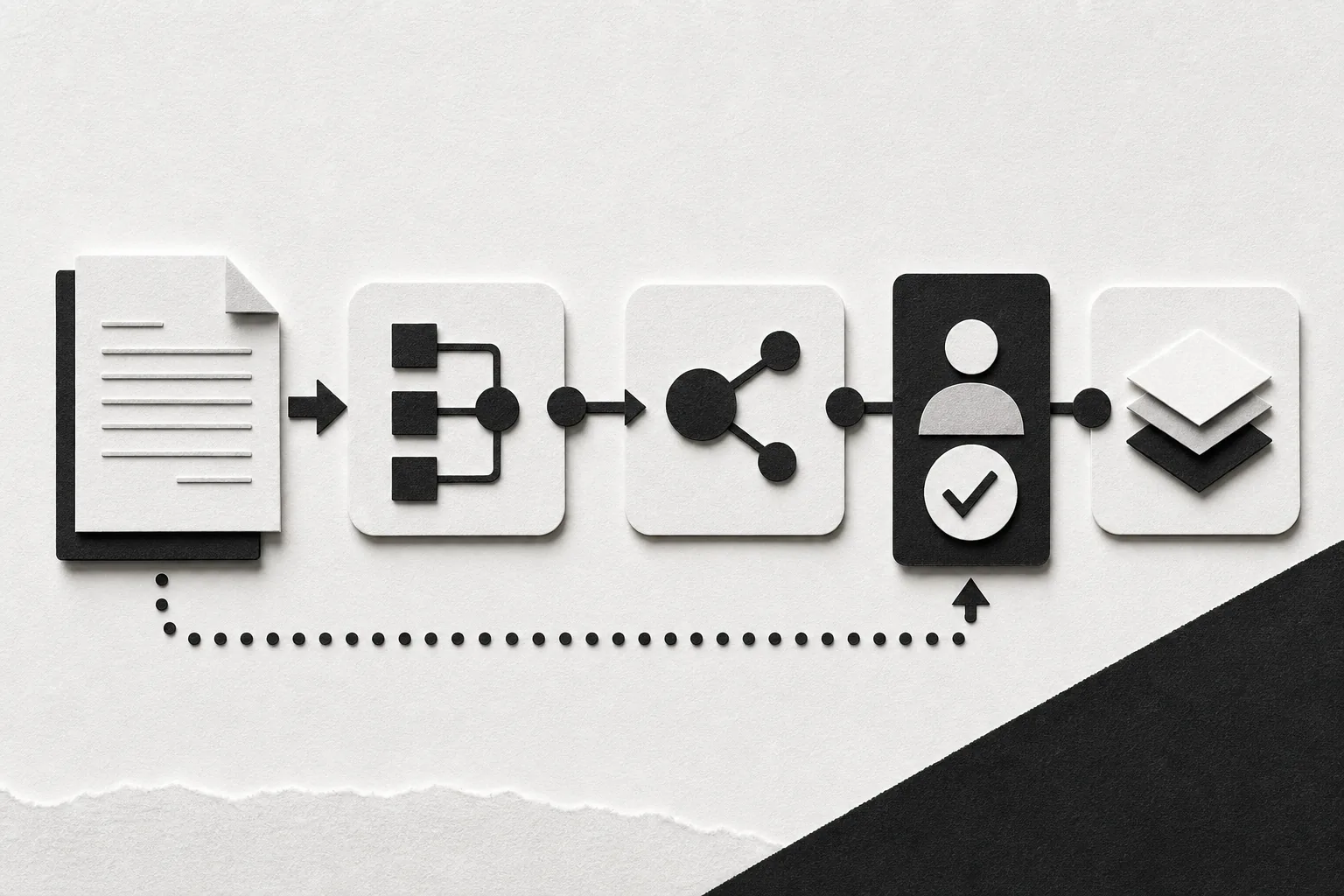
Write each process as a short sequence: what starts it, what data it uses, what changes, and who checks the result. Include the exception, too. A new lead may need a routine CRM update, while a request with missing details should wait for a person to review it.
This guide to how workflow automation works can help you separate jobs that need recurring, system-led processes from one-off work. Keep that distinction visible when you assess platforms.
For an enterprise integration platform, check how it handles long-running work, errors, approvals and shared ownership. For a small team, the better question may be whether a repeatable process is needed at all, or whether each request needs a person to give context. If the work starts with an email, ForwardThis is another approach: send an email with a plain-English instruction, and it carries out the task in connected apps and replies with a record of what it did.
Assess integration depth, usability, AI, and technical control
A long connector catalogue is only useful when it supports the actions your process needs. Check the exact operation, not just the app name. A connector might read a record but not update it, or it might create a task but not attach the source file.
Make a short list of the actions that matter most. For each one, confirm that the platform can handle the right fields, records and approval points. If your process needs to pass an attachment onward, check whether it can transfer the file itself or only its name and type.
Some automation platforms offer AI agents, controls for agent activity and support for cloud apps and on-premises infrastructure. These are useful details to examine when a team needs enterprise-wide access rules or wants AI to act across business systems. Ask for a demonstration using a process like yours, not a generic sample.
Usability is about who can maintain the work after launch. Can an operations lead change a field mapping? Does a developer need to review every update? Can another team member see why a run stopped? A visual builder may help people trace a process, while a code-heavy setup can offer more control to teams with developers.
Assess AI as a separate capability. Ask what the system lets AI decide, what stays fixed, and when a person must approve an action. For instance, an assistant may draft a customer reply, but sending it could require a human check. Look for clear logs that show what the AI did and what information it used.
Technical control also includes deployment. If a process must run inside your own environment, confirm whether the platform supports that setup and who maintains it. A hosted service can reduce the work of running infrastructure. Self-managed software may give a technical team more control, but that team still has to handle upkeep and access.
For a separate lens on team fit, the guide to AI workflow tools covers the difference between simple email-led requests and processes that need a built-out system.
Compare total cost, hosting choices, and governance requirements
Compare the full cost of running the process, not just the entry plan. A platform may charge by task, operation, execution, user or a mix of those measures. Find out what counts as billable, then estimate usage using the process map you made earlier.
Count each step that might use a paid unit. A process that checks for new data often may consume more than one that starts only when a person requests it. Ask how retries, failed runs, tests and data checks affect the bill. These details can change the cost of a busy process.
Include the work your team must do to keep the system running. A self-hosted option may have no software fee at one level, yet still needs a server, updates and someone to maintain it. A managed service may shift some of that work to the vendor, while its plan and usage fees become part of the operating cost.
Governance is not a checkbox. Map who can build, approve and change each process. Check whether the platform records actions in a way your team can review, supports access by role, and lets you separate test work from live work. If sensitive data is involved, ask how it is stored and handled, and what controls apply to your account.
Do not assume that a security badge answers every question. Ask for current evidence that fits your procurement rules. Then confirm the scope: which service, data types and deployment choices does the evidence cover? If you have legal or compliance requirements, have the right internal owner check those details.
Use the task automation software guide as a prompt to separate simple task handoffs from processes that need more controls and upkeep. The lowest monthly fee may not be the lowest-cost choice once you count staff time and support needs.
ForwardThis has a different cost model for email-led admin. Its free plan includes 10 actions a month. Starter includes 100 actions for $15 a month or $150 a year; Pro includes 400 for $39 a month or $390 a year. One email is one action, whatever replies, approvals or undos follow. Extra actions are sold in blocks of 100 for $10, and they do not expire. There is no unlimited plan.
Plan migration and choose an approach that fits the team
Do not move every process at once. Start with a list of what is live, who owns it and what would happen if it stopped. Mark any process that changes customer records, sends messages or moves sensitive data. Those need a careful test and a clear fallback.
Next, sort processes by how they start. Separate recurring work that must run without a person from tasks that begin with a request or decision. This matters because changing platforms may also change how a process starts, who checks it and what the team needs to maintain.
For each process you plan to move, record the key inputs and outputs. Note the fields that must stay accurate, the approval points, and the expected result. Rebuild one process in a test setting, then compare its output with the current process. Keep the old process available until the new one has passed the checks your team set.
Assign an owner before launch. That person should know how to spot a failed run and where to find the action record. Set a review date after launch, too. A process can work in a test but still fail when a real request has missing details or an unusual attachment.
For a small team whose admin starts with incoming messages, ForwardThis may fit a narrower job than a full integration platform. A user forwards or writes an email to do@forwardthis.io with a plain-English instruction, such as “Add this person to HubSpot and remind me Friday”. ForwardThis carries out the requested work in connected apps and replies with a record of what it did.
It can handle several requested actions in one email, and apps connect when a job first needs them. It does not watch an inbox or run work in the background. Messages to other people always wait for approval, and most actions can be undone for 24 hours. That makes it a fit for email-driven admin, not scheduled processes or unattended system-to-system work.
For a closer look at how ForwardThis differs from a full integration platform, read this comparison. If you need central governance for recurring processes across many systems, stay focused on platforms built for that job. If the work arrives by email and varies from request to request, test whether an email assistant can handle it with less setup.
Frequently asked questions
What should I look for in an integration platform?
Start with the exact work you need the platform to handle. Check how each process starts, which app actions it needs, who must approve changes, and how the platform charges for usage. Then assess integration depth, AI controls, deployment and the effort your team will need to maintain it.
How do I compare automation platform pricing?
Compare the billing unit and estimate it against your actual process map. Ask how the plan counts successful runs, retries, tests and checks for new data. Add the cost of hosting and team upkeep where relevant. A low starting fee may not suit a process with frequent runs or heavy maintenance needs.
When does an email assistant fit better than an integration platform?
An email assistant can fit when a person receives a request and needs to move its details into other apps. It is less suited to work that must run on a schedule or start from a system event without a person. ForwardThis starts each job with an email the user sends, then reports the actions it took.
How can a team reduce migration risk?
Move one process first, and test it with both routine and unusual inputs. Compare its results with the current process before switching. Keep a named owner and a fallback plan, especially for work that changes records or contacts other people. Expand only after the first process meets the checks your team agreed on.
Choose for the work, not the feature count
Choose a platform that matches how work starts, the controls it needs and the team that will maintain it. If your tasks begin with email rather than a recurring process, review an action record from a real admin request before expanding.