12 September 2026 · By Sam Thomas
Best Task Automation Software: 10 Tools
Compare the best task automation software for email, projects, CRM, files, and team workflows, with use cases and pricing factors.

Still losing hours to small tasks that start in email? The right task automation software can move work between your inbox, CRM, project board, files, and calendar with far less manual effort. Here are 10 strong options, starting with the one built for handing off email admin.
Table of Contents
- ForwardThis
- monday.com, Cross-team workflow coordination
- Asana, Project plans with dependencies
- Trello, Lightweight visual task automation
- ClickUp, Highly customizable workspaces
- Smartsheet, Spreadsheet-style process automation
- Wrike, Multi-project portfolio planning
- Basecamp, Simple coordination for small teams
- Notion, Custom internal systems and knowledge workflows
- Airtable, Data-driven project workflows
- Task automation software comparison: how to choose from these 10 tools
- FAQ
- Conclusion
1. ForwardThis
ForwardThis is an email-first task automation tool for people who need work done in other apps. It’s best for small businesses, agencies, consultants, recruiters, sales teams, and anyone who spends too much time turning email into admin.
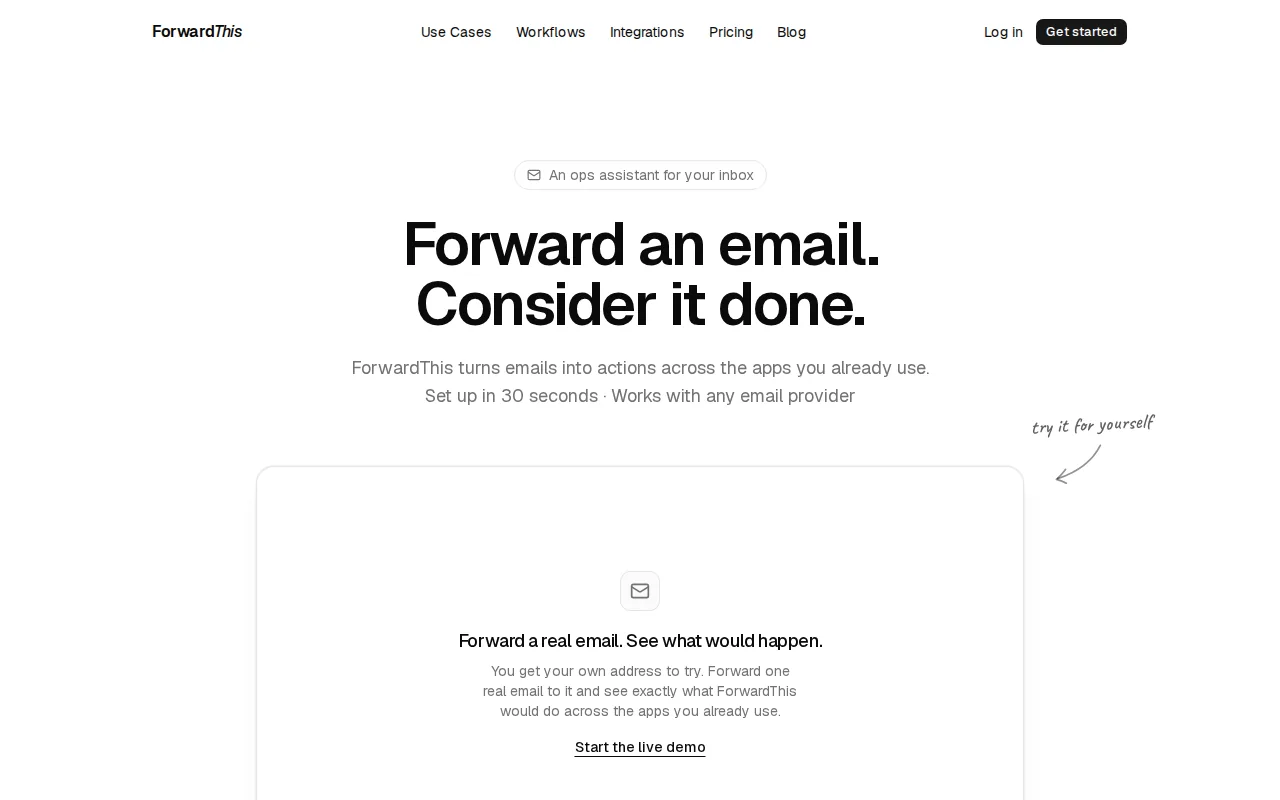
Send or forward an email with a plain instruction. For example: “Add this person to HubSpot and follow up Friday.” ForwardThis reads the request, carries out supported actions, then replies with a record of what it did.
It works with tools such as HubSpot, Salesforce, Google Drive, Google Calendar, Asana, Notion, Airtable, Slack, Microsoft Teams, Trello, ClickUp, Monday.com, Todoist, Jira, Zoom, and GitHub. You don’t need to build a workflow first, learn a new inbox, or maintain a browser extension.
That makes ForwardThis different from fixed trigger-and-action tools. Traditional automation works well when the same event should always cause the same steps. ForwardThis fits the messier jobs where each email needs a slightly different response.
There’s also a free plan, and paid plans raise the number of available actions. Reversible actions can be undone for 24 hours where supported. For recruiters, a separate tool such as an AI CV screening tool can handle candidate review while ForwardThis handles the follow-up admin that arrives by email.
Choose ForwardThis when you want to delegate a five-minute job without setting up a system for it. Try it with a real email and see if the handoff feels natural.
2. monday.com, Cross-team workflow coordination
monday.com is task automation software for organizations that coordinate work across departments. It suits teams that need shared boards, clear owners, status changes, and repeatable handoffs.
Its visual workspaces let teams model requests, projects, campaigns, and internal processes. A status change can notify an owner or move work into the next stage. Teams can also use forms to collect requests in a more consistent way.
The free tier is available, while automation limits and broader controls vary by plan. That matters when a team has many boards or runs frequent actions each month.
monday.com is a good fit when the work already lives on shared boards. It may feel heavier than ForwardThis when the task begins as an individual email and only needs one or two actions.
3. Asana, Project plans with dependencies
Asana is a strong choice for teams managing project plans with several owners and task dependencies. It fits work where one task must finish before another can begin.
Teams can use task rules and project views to keep work moving through set stages. A new request might receive an owner, a due date, or a status based on the project setup.
Asana has a free tier, but larger teams should check user limits, automation allowances, and reporting needs before committing. The key benefit is shared project control, not quick one-off admin.
ForwardThis can still help Asana users. “Create a task in Asana for this and make it due next Tuesday” turns an email into a board item without asking you to leave the inbox. See the email automation workflows for task and project management for examples.
4. Trello, Lightweight visual task automation
Trello suits teams that prefer visual task tracking with light automation. Its card-and-column layout is easy to grasp when work moves through a small number of stages.
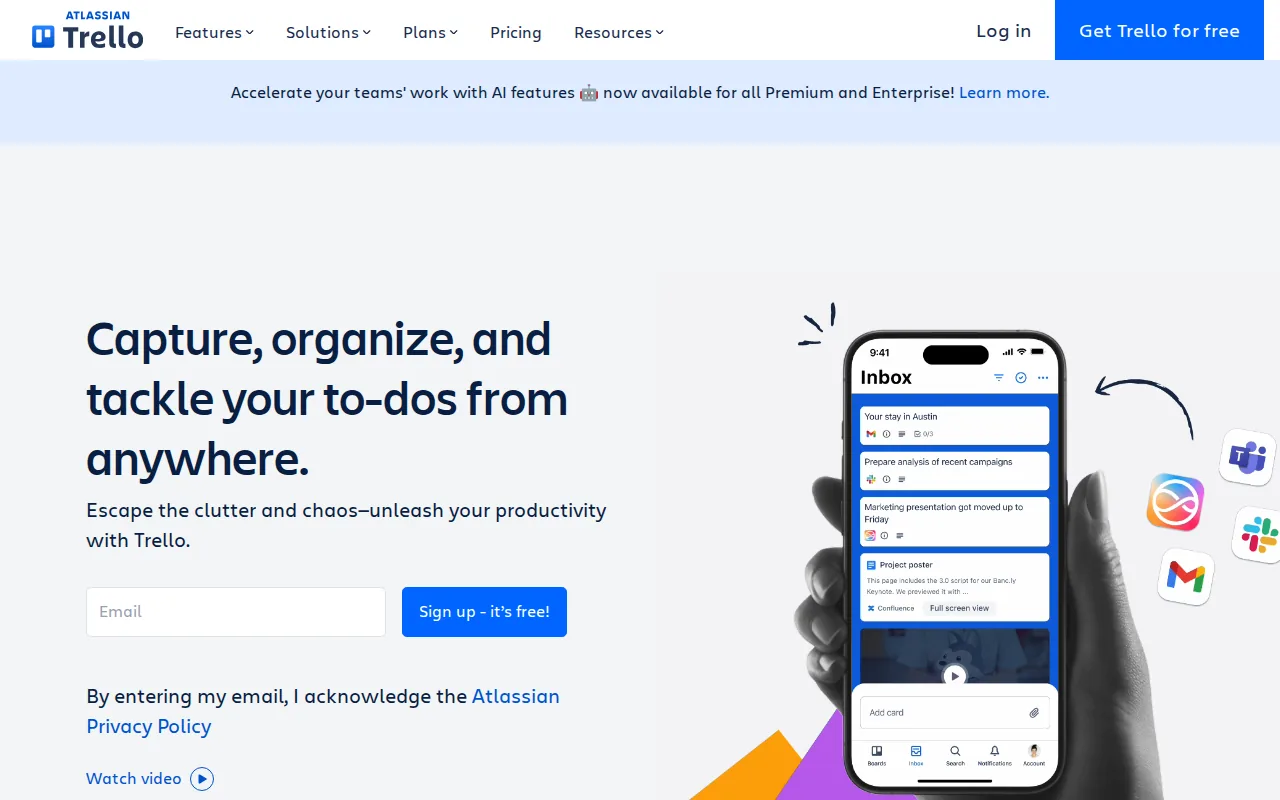
Automation can help move cards, set due dates, or assign routine actions when a card changes. That works well for simple content queues, client requests, and personal task lists.
Trello has a free tier. Its simplicity is also its limit. Teams with complex dependencies, detailed resource plans, or many linked records may outgrow the board model.
Use Trello when visibility matters more than deep process design. Use ForwardThis when the work starts in an email and you want to place it on a Trello board with a written instruction.
5. ClickUp, Highly customizable workspaces
ClickUp is task automation software for teams that want to shape the workspace around their process. It’s best for groups that need flexible task fields, views, rules, and multiple work types.
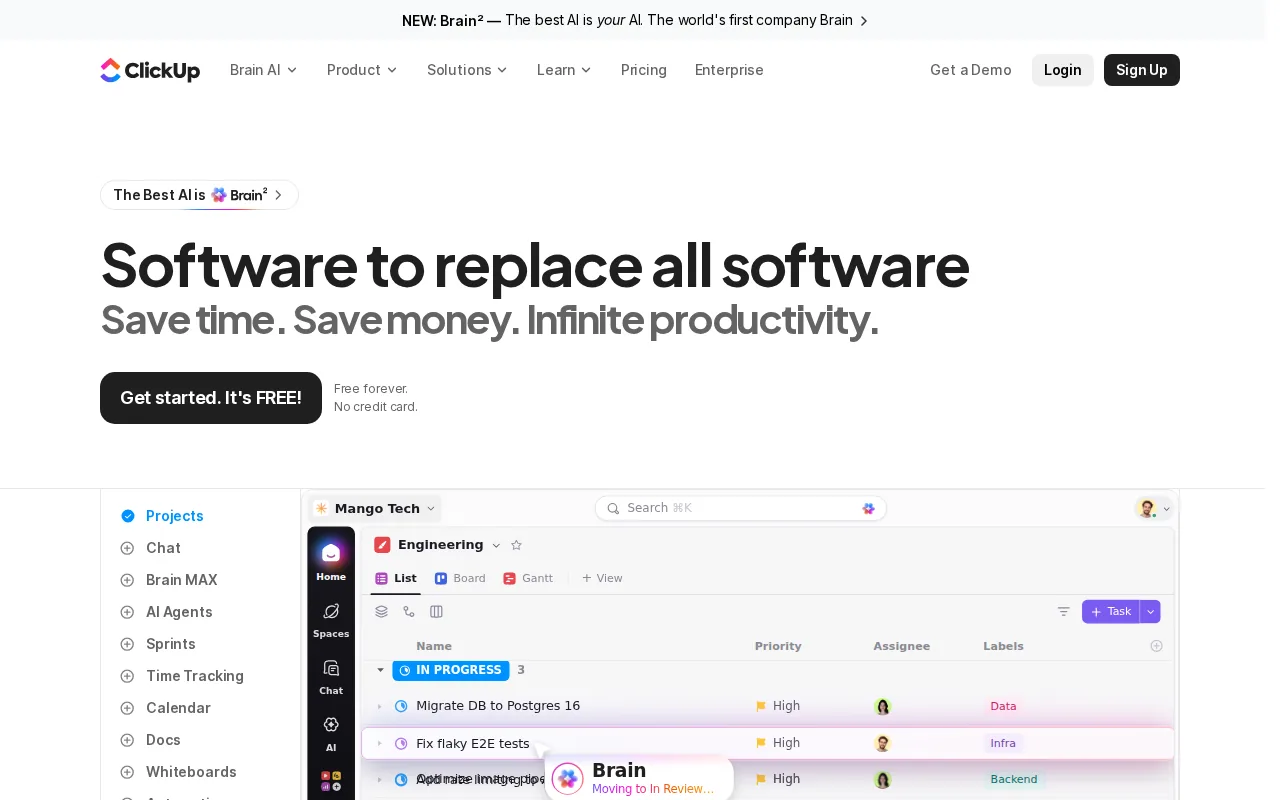
ClickUp automations use triggers, optional conditions, and actions. For example, a status change can add a comment or send an email. Automations can apply at different levels of the workspace hierarchy, so a rule can cover one list or a wider group of tasks.
ClickUp has a free tier, but its flexibility brings setup work. Choose it when your team wants one configurable work hub. Choose ForwardThis when you’d rather send an instruction than build another rule.
6. Smartsheet, Spreadsheet-style process automation
Smartsheet is best for teams that understand spreadsheet-style work but need more structure around approvals, handoffs, and repeatable processes.
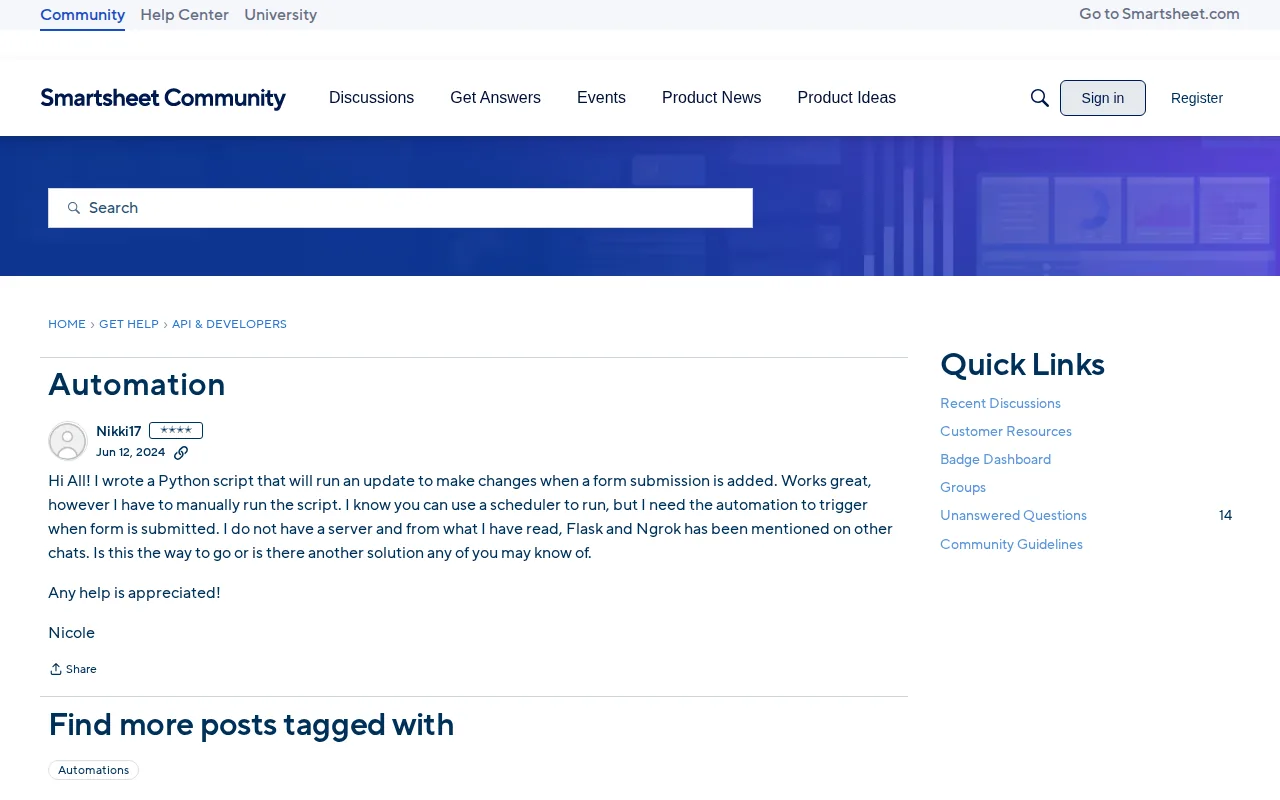
Its grid format can feel familiar to teams that already manage work in rows and columns. Automation can route updates, send alerts, and support approval flows around shared sheets.
This model works well for project registers, request logs, and operational tracking. It can be less comfortable for people who want a simple personal task list or an email-first interface.
Check plan limits, user access, and workflow needs before choosing it. Smartsheet is strongest when the spreadsheet is already the source of truth.
7. Wrike, Multi-project portfolio planning
Wrike is aimed at teams running several projects at once, especially when timelines, resource planning, and structured intake matter.
It can support request forms, custom workflows, dashboards, approvals, and project views. That makes it useful for a department that needs to compare work across many projects rather than manage one simple queue.
Wrike is a better fit for planned, shared work than quick personal tasks. Its broader planning model may be more than a small team needs for “please save this file and remind me Friday.”
Pick Wrike when portfolio visibility is the problem. Pick ForwardThis when the main problem is getting information out of email and into the right system.
8. Basecamp, Simple coordination for small teams
Basecamp is designed for small teams and client-service groups that want simple coordination. It works best when the team needs a shared place for project discussions, tasks, files, and deadlines.
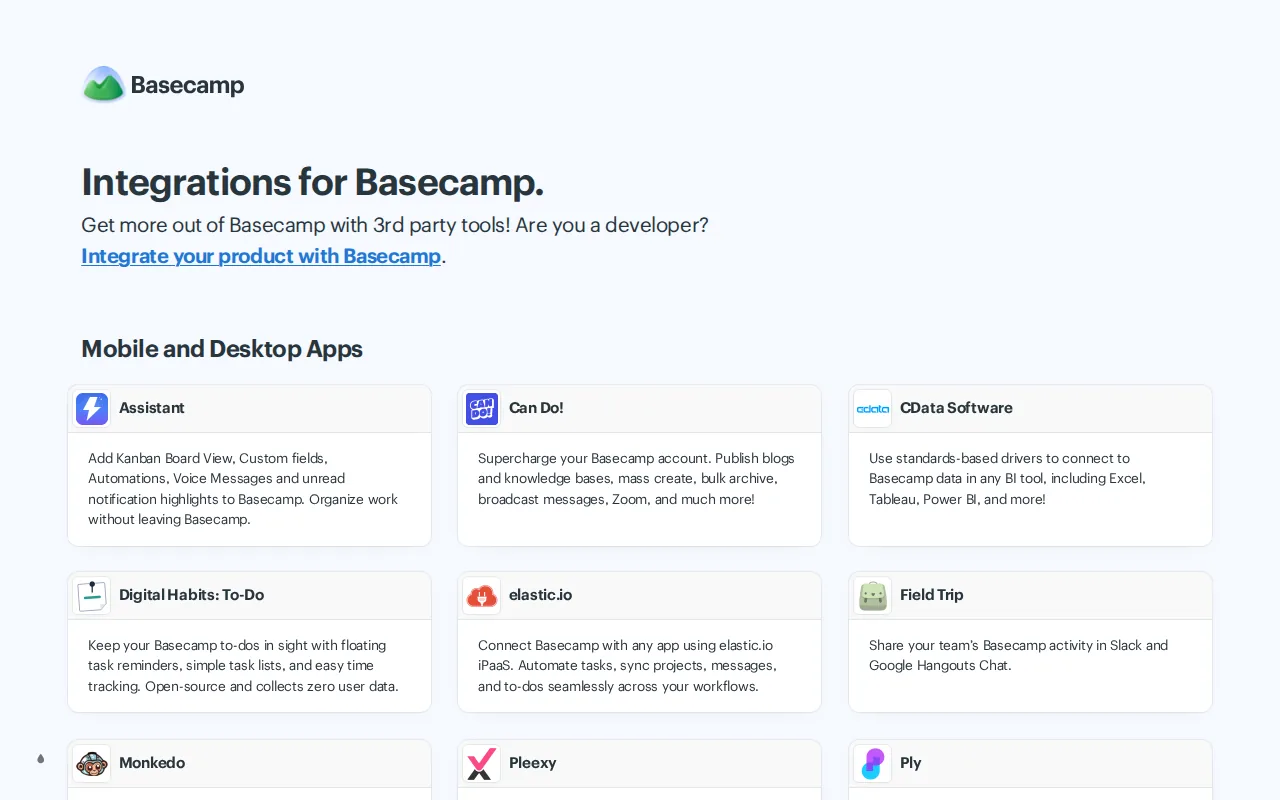
The appeal is a clear project space with fewer configuration choices than highly flexible work platforms. That can help a small agency avoid spending weeks designing its task system.
Basecamp has a free tier. It may not suit teams that need deep conditions, complex dependencies, or data-heavy automation across many apps.
Use it when calm coordination matters more than advanced rules. For email-created work, ForwardThis can still act as the bridge into the team’s chosen project space.
9. Notion, Custom internal systems and knowledge workflows
Notion is a flexible option for teams building internal systems around databases, project records, documentation, and knowledge work.
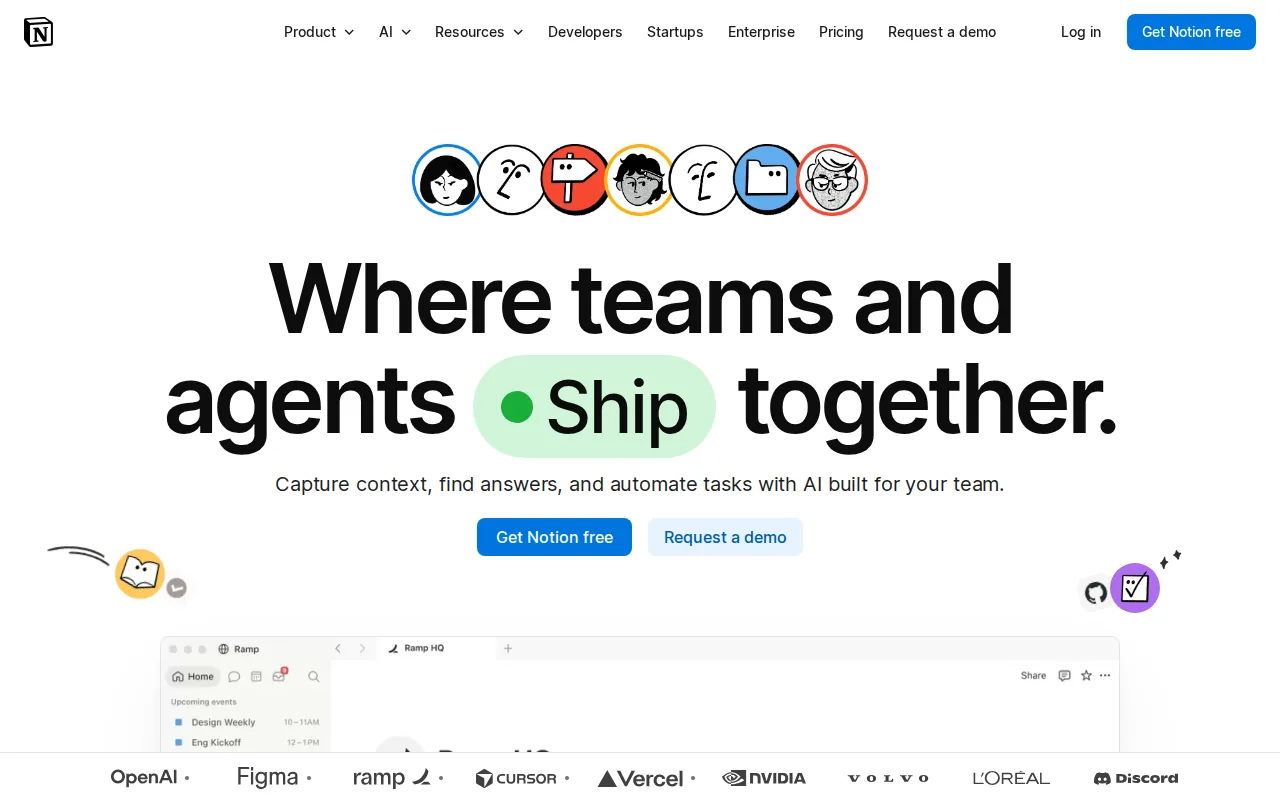
Database automations can react when a page is added or a property changes. Actions can update records, assign work, send notifications, or add pages to another database.
A basic automation pattern uses a trigger followed by an action. Formula-based automations can use values from other pages or date fields, which helps when a simple rule is not enough.
Notion has a free tier, though database automation access depends on the plan. It’s a strong fit when the team wants its work and knowledge in one place. The tradeoff is that the system needs careful design as it grows.
ForwardThis supports Notion workflows for people who want to say, “Append this update to the project page,” instead of opening the database themselves.
10. Airtable, Data-driven project workflows
Airtable is best for teams managing structured projects with linked records and data-driven processes. It sits between a spreadsheet and a database, which makes it useful when each task has several related pieces of information.
Teams can connect projects, clients, owners, assets, and deadlines through related records. Views can then show the same data in different ways for different teams.
Airtable fits campaign operations, content production, product work, and other processes where a task needs more context than a title and due date. It may be too much for a person who only needs a short daily list.
Use Airtable when clean records drive the work. Use ForwardThis when the raw material arrives in email and you want to update Airtable without copying details by hand.
Task automation software comparison: how to choose from these 10 tools
The best choice depends on where work starts and how much structure it needs. Start with the real handoff, not the feature page.
| If your main problem is... | Start with... | Watch for... |
|---|---|---|
| Email creates small jobs in other apps | ForwardThis | Supported app connections and action limits |
| Many teams share one work board | monday.com or Asana | Permissions, owners, and plan limits |
| You want a light visual task board | Trello or Basecamp | Limited conditions or dependencies |
| You need a highly shaped workspace | ClickUp or Notion | Setup time and governance |
| Rows and linked records drive the process | Smartsheet or Airtable | Data quality and access control |
| Several projects compete for resources | Wrike | Cost, rollout effort, and user adoption |
Check four things before you buy:
- Trigger: Can the tool start where work actually begins, such as an email, form, status change, or new record?
- Action: Can it do the next job without a manual copy-and-paste step?
- Control: Can you test rules, review failures, and limit who can change them?
- Cost: Does pricing grow with users, actions, records, or automation runs?
Also decide whether you need fixed workflows or flexible delegation. A fixed workflow is ideal when the same trigger always produces the same result. Flexible delegation is better when the instruction changes with every request. For a broader look at tools that interpret requests and handle multi-step work, compare these AI workflow automation tools.
Integration counts were also rarely disclosed. That means you should test the exact apps and task paths you rely on rather than trust broad claims.
FAQ
What is task automation software?
Task automation software uses rules, triggers, or instructions to handle repeat work with less manual input. A trigger starts the process, conditions decide when it applies, and actions carry out the next steps. Examples include creating a task from an email, sending an approval alert, or updating a CRM record.
What is the best task automation software for email?
ForwardThis is the best fit when you want to forward an email, write what should happen, and let the tool act in connected business apps. It suits variable requests such as saving an attachment, updating a deal, creating an Asana task, or adding a calendar event.
Is task automation software worth it for a small business?
Task automation software can be worth it when small repeat jobs take attention away from sales, client work, or delivery. Start with one process that happens often and has a clear result. A free tier or low-volume plan lets you test the time saved before adding more rules.
What is the difference between automation and AI automation?
Basic automation follows set rules, while AI automation can interpret less structured input such as an email written in normal language. AI can help decide which action fits the request, but you still need clear permissions, testing, and review for sensitive work.
How do I choose automation software?
Choose automation software by checking its trigger, app connections, actions, limits, permissions, and failure handling. Then test one full workflow with real sample data. The best platform is the one your team can use correctly without adding a second admin job.
Conclusion
Choose ForwardThis if your work starts in email and then spreads across CRM, tasks, files, calendars, or databases. Forward a real message with a clear instruction, review the result, and start with one small handoff before you automate more.