9 September 2026 · By Sam Thomas
N8n vs Zapier: Which Is Right for You?
Compare n8n vs Zapier on setup, integrations, pricing, customization, security, and scale. Find the right fit for your automation work.

If you’ve ever moved the same data between apps by hand, you already know the appeal of automation. The catch is that n8n and Zapier solve different problems. ForwardThis adds a third path for email-led admin: send an email, state the task, and let it act.
Table of Contents
- ForwardThis
- Step 1: Compare n8n and Zapier’s Workflow Models
- Step 2: Compare Setup, Ease of Use, and Workflow Creation
- Step 3: Compare Integrations, AI Features, and Customization
- Step 4: Compare Pricing, Ownership, Security, and Scalability
- FAQ
- Conclusion
1. ForwardThis
ForwardThis is an email-first operations app for work that starts in your inbox. You forward an email with a plain instruction, such as "Add this person to HubSpot and follow up Friday," and ForwardThis carries out the supported actions in your connected business apps.
It’s the best fit for small agencies, consultants, recruiters, sales teams, and founders who make one-off decisions from incoming email. You don’t need to build a workflow before the work arrives. That difference matters when every email needs a slightly different response.
ForwardThis can work with CRM tools, task apps, file storage, calendars, databases, and team chat. Relevant connections include HubSpot, Salesforce, Google Drive, Google Calendar, Asana, Notion, Airtable, Slack, Microsoft Teams, OneDrive, Dropbox, Todoist, Trello, Linear, Jira, ClickUp, Monday.com, Zoom, and GitHub.
The catalog is small beside Zapier’s 9,000-plus listed integrations. That isn’t a flaw if your work stays inside the apps ForwardThis supports. Its value comes from interpreting the email and deciding which requested action belongs in each app.
For example, you could write:
- "Save the attached proposal in the Acme folder in Google Drive."
- "Create an Asana task for this and make it due next Tuesday."
- "Update the deal in HubSpot, save the PDF in Drive, and remind me Friday."
ForwardThis then replies by email with a record of what it did. You can also use Memory for repeated context, such as a client folder or preferred project. Standing Instructions let you set rules, such as asking before posting to Slack.
The trade-off is scope. ForwardThis isn’t a general workflow canvas for every app or every business process. If you need hundreds of connectors, fixed triggers, or code-heavy logic, Zapier or n8n may fit better. If the job begins with a messy human email, though, ForwardThis removes the setup step that those tools require.
See how the two approaches differ in ForwardThis vs Zapier: Which Fits How You Work? before you choose a platform.
Try ForwardThis with a real email if your main pain is small admin tasks that keep leaving your inbox.
Step 1: Compare n8n and Zapier’s Workflow Models
In the n8n vs Zapier choice, start with the shape of the work. Both tools connect apps so one event can trigger later actions, but they ask you to define that sequence ahead of time.
Zapier uses trigger-action workflows called Zaps. You choose an event, map fields from that event, then add one or more actions. A new form response might create a CRM contact, send a team message, and add a task. The same sequence runs each time the trigger fires.
Zapier is aimed at people with minimal to moderate technical skills. Its large integration catalog helps when your process touches common business software. Its templates can also give you a starting point instead of a blank screen. Zapier’s trigger-action model includes templates, custom connectors, and AI-assisted automation.
n8n uses a node-based workflow. Each node performs a task or changes the data. You connect nodes on a canvas, inspect the data moving between them, and add logic where needed. n8n supports optional custom code nodes plus HTTP and webhook connections.
That gives n8n more room for branching, data shaping, API calls, and unusual systems. It also means you need to understand the data path. A simple form workflow may require a workaround if the exact trigger isn’t available. One common pattern is to send form responses into a sheet, then use the sheet as the event source.
| Decision point | Zapier | n8n | ForwardThis |
|---|---|---|---|
| Basic model | Predefined trigger and actions | Connected nodes on a canvas | Email instruction interpreted per request |
| Best fit | Fast setup across many common apps | Custom logic and technical control | Admin work that starts in email |
| Workflow timing | Designed before the trigger runs | Designed before the trigger runs | Defined when you send the email |
| Code | Usually optional | Available through code nodes | Not required for supported actions |
Use Zapier when the same event should always cause the same response. Use n8n when the response needs deep logic or custom API work. Use ForwardThis when you want to make the decision at the moment you read the email.
Step 2: Compare Setup, Ease of Use, and Workflow Creation
For n8n vs Zapier, setup time depends on who will own the automation after launch. Zapier hides more technical detail. n8n shows more of it from the first screen.
How a Zapier build feels
Start with a trigger app and event. Sign in to the account, choose the source, and test it. Zapier gives you sample data so you can map fields into the next step.
Then add an action. Pick the destination app, select the action event, and choose the fields from the trigger. A message might pull in a person’s name and email from the test record. Run the test, check the result, and turn the Zap on.
Zapier’s guided flow is useful for a sales manager who wants a working lead alert without asking a developer for help. Its AI-assisted builder can also turn a written request into a draft workflow. You still need to check the fields, permissions, and output before enabling it.
How an n8n build feels
In n8n, add a trigger node, connect the account, and choose the event. Then add the next node and map the incoming data. The editor exposes structured data, often as JSON, which is a machine-readable format for fields and values.
That visibility is useful when a workflow needs a condition. You can inspect the payload, change a value, call an HTTP endpoint, or add code. But you must know what the data means. If an app lacks a direct trigger, you may need to route the event through another system first.
Self-hosting adds another setup path. You control the environment, but you also take on deployment work, updates, backups, access rules, and security patches. n8n’s hosted option avoids much of that work.
Before you build, write the workflow in one sentence: “When X happens, do Y.” If that sentence stays the same for every event, a visual automation tool makes sense.
Next, test one record. Check what happens when a field is missing, a name is duplicated, or the destination rejects the data. A workflow that works once is only a draft.
ForwardThis takes a different route. There is no canvas to set up for each task. Forward an email, state the desired action, and review the reply. That makes it a good fit for work that is too varied to justify another saved workflow.
Choose the tool based on the person who will fix it at 4 p.m. on a busy Friday. Ease of setup is only half the cost. Ease of repair counts too.
Step 3: Compare Integrations, AI Features, and Customization
Integrations are where n8n vs Zapier becomes a usable decision. A large catalog helps only when the exact app and event you need are supported.
Zapier’s AI features can help draft a workflow from a sentence. AI steps can also generate or change text inside a Zap. That is useful for tasks such as turning a new video description into a social post, but you still need to check what the AI produces before publishing it.
n8n’s strength is less about raw count and more about what happens when a standard connector stops short. You can use HTTP requests, webhooks, and code nodes to work with an API that has no ready-made node.
That flexibility suits a developer who needs to reshape data before sending it onward. It can also support AI nodes inside a larger workflow, where the model’s output feeds a later decision. The added control brings added testing work. You need to handle errors, limits, credentials, and changes in the connected API.
ForwardThis supports 122+ integrations, so it won’t replace either catalog for broad app coverage. Its AI works at a different point in the process. It interprets the email, the attached information, and the user’s instruction, then carries out supported actions across the connected apps.
| Your job shape | Better starting point | Reason |
|---|---|---|
| One fixed path across several popular apps | Zapier | Large catalog and guided trigger-action setup |
| Custom API calls or data branches | n8n | Nodes, webhooks, and optional code |
| Different action for each incoming email | ForwardThis | Natural-language instructions at the time of work |
| AI-generated text inside a fixed process | Zapier or n8n | Both can place AI inside a saved workflow |
| Small admin jobs across supported apps | ForwardThis | No workflow needs to be designed first |
Here’s a useful test. Take ten recent emails that caused admin work. If they all need the same action, automate the pattern in Zapier or n8n. If each email needs a different set of actions, an email-first tool may save more time than a larger connector catalog.
For teams comparing a technical build with a direct email instruction, ForwardThis vs n8n: Build It or Forward It? frames that choice around the work itself.
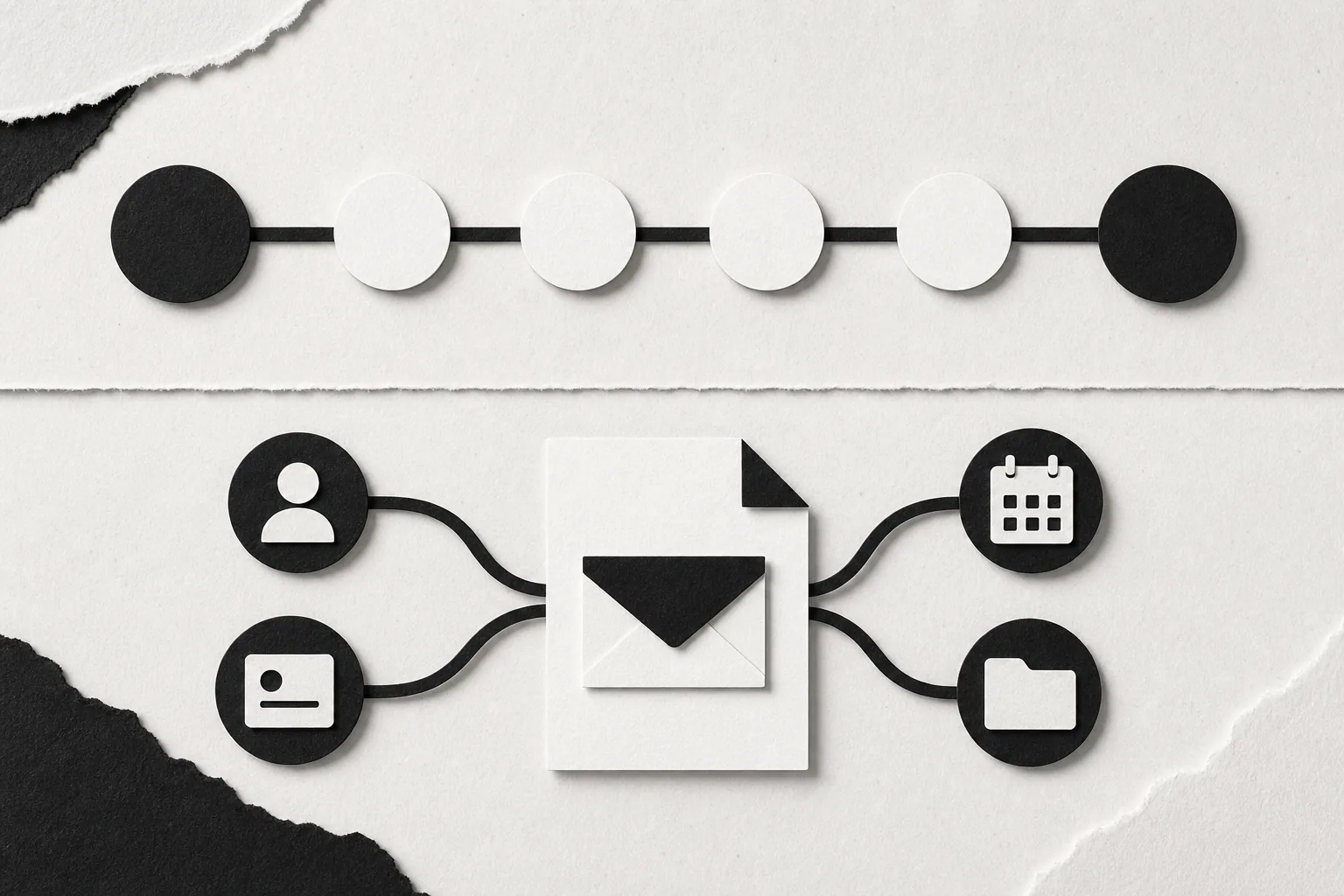
Don’t confuse AI with independence. In both saved workflows and email-led actions, define which operations need approval. A CRM update may be safe to run at once. A public post or message to a client may deserve a review first.
Step 4: Compare Pricing, Ownership, Security, and Scalability
Pricing is only one part of the n8n vs Zapier decision. Count the work needed to run the system, watch failures, protect credentials, and keep it useful as volume grows.
Pricing models
Zapier’s model counts tasks or actions inside your workflows. A short workflow may be cheap to run, while a busy process with many actions can use its allowance quickly. Check how tests, retries, filters, and repeated events affect your monthly use before you commit.
n8n’s hosted plans use a different measure based on workflow executions. A run with many nodes can therefore have a different cost shape from several small runs. Self-hosting may reduce platform fees, but the server still needs time, storage, monitoring, updates, and backups.
ForwardThis has a free plan for trying the product. Paid plans increase the number of actions available. Its cost model is easier to assess when your work is a set of small email-led jobs rather than a constantly running data pipeline.
Ownership and security
Zapier and ForwardThis are cloud services. That makes deployment quick, but your data passes through a hosted system. Review each service’s permissions, retention rules, connected-account scopes, and approval controls.
ForwardThis is designed to see only the emails you deliberately send or forward. Forwarded content is treated as information, while authenticated instructions from the user authorize actions. Raw email content is retained briefly, and the system is designed to remember what it did rather than keep everything it saw.
n8n can be self-hosted. That gives a technical team more control over where workflow data and credentials live. It also makes that team responsible for the environment. A self-hosted install isn’t automatically secure. Access control, patching, logs, backups, and secret storage still need care.
A useful comparison of enterprise automation trade-offs should always include operations work, not only feature counts. The deployment choice can change who owns an incident when a workflow fails.
Scalability and total cost
Zapier scales well for teams that value quick app coverage and shared automation work. Costs may rise with task volume, so estimate the number of actions per event before launch.
n8n scales through hosted capacity or infrastructure you manage. It gives developers more control over complex flows, but a growing system needs version control, testing, observability, and clear ownership.
ForwardThis scales differently. It is a focused service for people who want to delegate inbox admin without building an automation estate. That makes it a sensible first choice for a small team, but not a replacement for a high-volume integration platform.
For email parsing in particular, compare extraction with action. A parser pulls fields from a message for a later workflow. ForwardThis is meant to act on the instruction itself, such as “save this attachment and create a follow-up.”
The decision rule is simple: pick Zapier for breadth, n8n for control, and ForwardThis for email-led delegation. If data must stay in your own environment, n8n deserves a closer look. If your team wants to send instructions from the inbox, start with ForwardThis.
FAQ
Is n8n better than Zapier?
n8n is better than Zapier when you need self-hosting, custom code, or detailed control over data flow. Zapier is easier for most non-technical users and has a much larger integration catalog. In the n8n vs Zapier decision, choose based on who will build and maintain the workflow.
Is n8n cheaper than Zapier?
n8n can cost less at scale when self-hosting makes sense, but it still carries server and maintenance costs. Zapier is simpler to price for many small workflows, though task use can raise the bill. Compare platform fees with engineering time, hosting, support, and failure handling.
Can ForwardThis replace Zapier or n8n?
ForwardThis can replace Zapier or n8n for some email-led admin, but it isn’t a full substitute for either platform. It works best when a person reads an email and decides what should happen next. Use Zapier or n8n for fixed, repeatable workflows across a wider set of systems.
Which tool is easiest for beginners?
Zapier is usually the easiest starting point because its editor guides you through a trigger, test record, and action. ForwardThis can be simpler for supported email tasks because you don’t build a workflow at all. n8n has a steeper learning curve because it exposes nodes, data structures, and technical controls.
Which platform is best for email automation?
The best choice depends on the email job. Use Zapier when every incoming message follows the same rule. Use n8n when email data must pass through custom logic. Use ForwardThis when each email needs a human-written instruction, such as updating a CRM record or saving an attachment.
Conclusion
Choose Zapier for broad app coverage and quick fixed workflows. Choose n8n when developers need self-hosting and custom control. If your work starts with email and changes from one message to the next, try ForwardThis with a real instruction such as "save this proposal and remind me Friday."