17 September 2026 · By Sam Thomas
Best Zapier vs IFTTT Alternatives in 2026
Explore five practical automation alternatives to Zapier and IFTTT, including ForwardThis, for email tasks, app integrations, and complex workflows.

Looking for a tool that can handle admin work straight from your inbox or run multi‑step workflows across apps? Here are five automation options, each with a clear strength, so you can pick the one that fits your job.
Table of Contents
- ForwardThis
- Zapier — Best for complex, multi‑step app workflows
- IFTTT — Best for simple applets and connected devices
- Make — Best for visual scenarios and branching logic
- n8n — Best for self‑hosted and highly customizable automation
- How to Choose the Right Automation Tool
- FAQ
- Conclusion
1. ForwardThis
ForwardThis is an email‑first automation service. You forward an email, write a short instruction, and the platform performs the action in the apps you already use. It replies with a summary of what it did, so you always have a record.
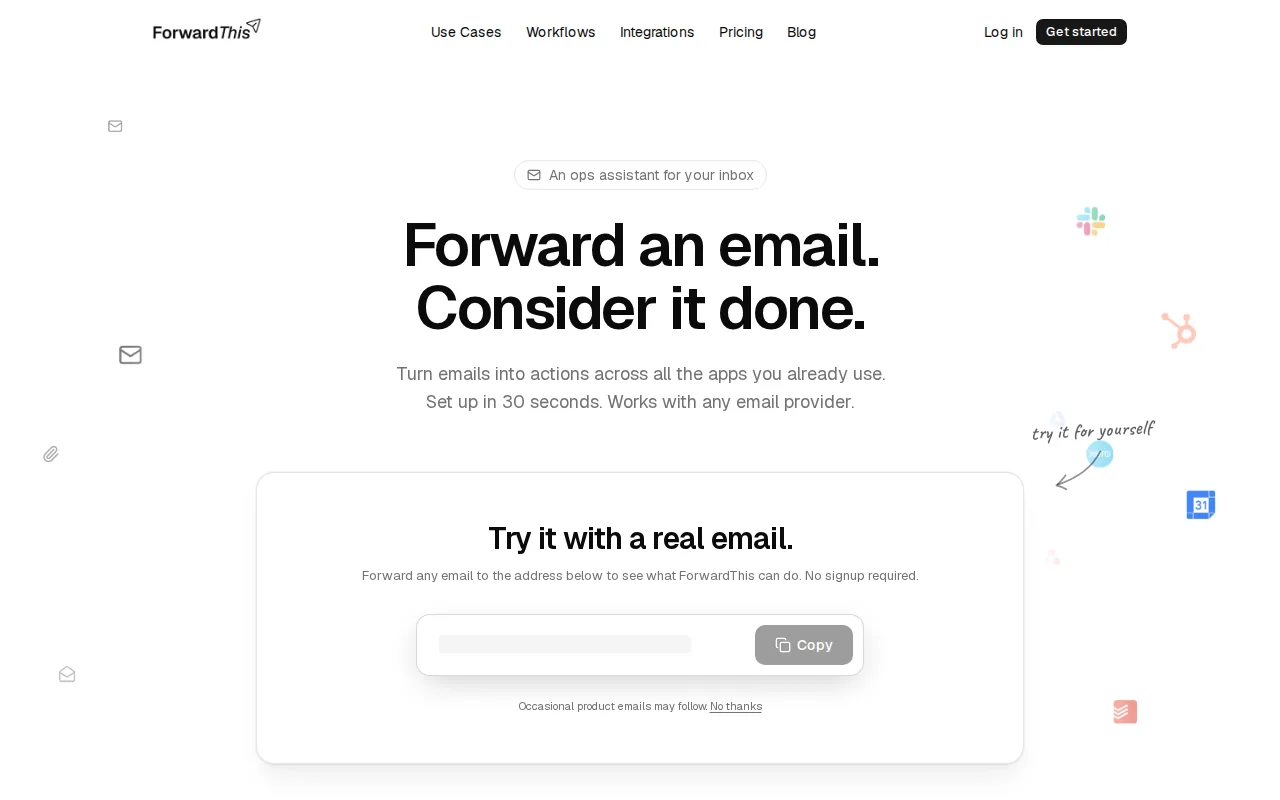
It shines for people who juggle CRM, task boards, file storage, and calendars every day. A sales rep can forward a lead email and tell ForwardThis to add the contact to HubSpot, create a follow‑up task in Asana, and drop the attached proposal into Google Drive, all with one email.
Because it only sees the emails you send to it, privacy stays tight. No need to grant full mailbox access, and actions can be undone for 24 hours when supported.
ForwardThis works with Gmail, Outlook, Apple Mail and any service that can send a standard email. It doesn’t replace your inbox, it just adds a shortcut for the small admin steps that usually waste time.
ForwardThis vs Zapier: Which Fits How You Work?2. Zapier — Best for complex, multi‑step app workflows
Zapier lets you build “Zaps” that connect more than 9,000 apps. Each Zap can have a trigger and many actions, plus filters, paths, and code steps for custom logic.
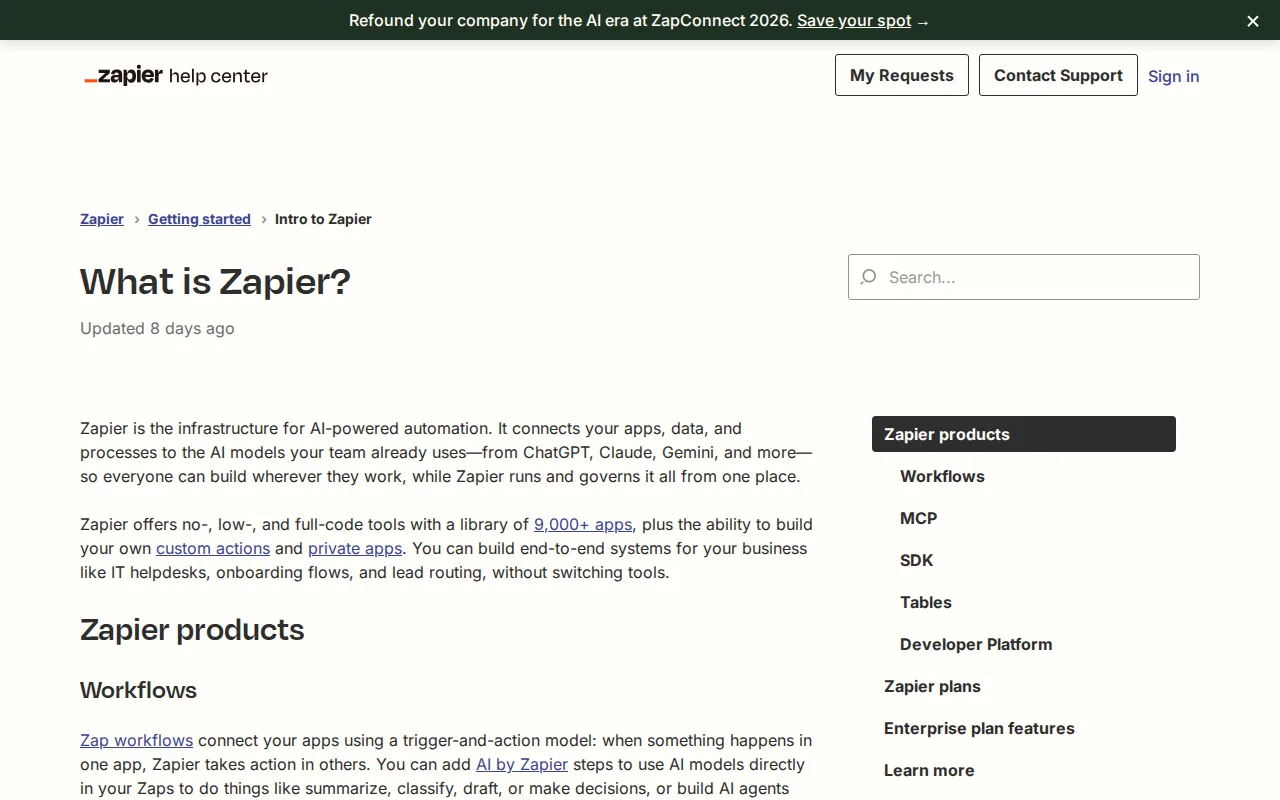
Teams that need precise control over data flow love it. Marketing can capture a lead, add it to a CRM, send a personalized email, and log the event in a spreadsheet, all without writing code.
Zapier’s free tier gives you 100 tasks per month, but multi‑step Zaps require a paid plan. That limits deep automation for hobbyists.
According to Wikipedia, Zapier’s extensive integration library and task‑based pricing model make it the go‑to choice for professional users who need reliability and scale.
Because each action counts as a task, you can watch your usage grow quickly if you add many steps.
Zapier Email Parser vs ForwardThis: Which Do You Need?Zapier shines when the same trigger should fire the same set of actions again and again.
3. IFTTT — Best for simple applets and connected devices
IFTTT (If This Then That) focuses on single‑step applets that link two services. You pick a trigger, choose an action, and IFTTT does the rest.
It’s a natural fit for smart‑home fans and solo entrepreneurs who need quick links like “save new Instagram photos to Google Drive” or “turn on lights when I arrive home.”
The platform supports over 1,000 services, including popular social, cloud, and IoT devices. Its free plan lets you run three custom applets, which is enough for many personal use cases.
As described on Wikipedia, IFTTT’s strength lies in its simplicity and broad device support, not in deep branching or data transformation.
Because it only handles one trigger‑action pair per applet, you’ll hit limits if you need complex business logic.
For teams that just need to automate a handful of repetitive tasks, IFTTT can be set up in minutes.
4. Make — Best for visual scenarios and branching logic
Make (formerly Integromat) gives you a visual canvas where you can drag nodes, set routers, loops, and filters. It handles complex data transformation and can call any REST API.

Designers who like to see the flow of data love it. You can build a scenario that reads a CSV, splits rows, sends each row to a different Slack channel, and writes a summary to Google Sheets.
The free plan caps you at two active scenarios and 1,000 operations per month, which is fine for small projects but may require an upgrade for heavier use.
Because the interface is visual, there’s a learning curve. New users often spend time learning how routers split paths.
Once you master the canvas, you can build workflows that would take several Zaps in Zapier to replicate.
Forward Emails to Any Channel - Slack - ForwardThisMake works well when you need visual debugging and branching that goes beyond simple if‑then logic.
5. n8n — Best for self‑hosted and highly customizable automation
n8n is an open‑source workflow engine you can run on your own server. It offers over 400 native integrations and lets you add custom JavaScript nodes.

Technical teams that want full control love it. You can host it behind a firewall, connect to internal databases, and write code directly in a node.
The community edition is free, but you must manage the infrastructure yourself. That adds operational overhead, which may be too much for non‑technical users.
n8n provides unlimited executions and open-source flexibility, making it a strong option for complex, on‑premise needs.
Because you own the instance, you can keep data completely private, a big win for regulated industries.
How to Choose the Right Automation Tool
- Do you need multi‑step logic and many integrations? Zapier or Make are strong picks.
- Is your workflow a one‑off email‑driven task? ForwardThis handles that without any pre‑built flow.
- Are you automating smart‑home or simple personal tasks? IFTTT is quick and easy.
- Do you require self‑hosting and code‑level tweaks? n8n gives you full control.
FAQ
What’s the main difference between Zapier and IFTTT?
Zapier supports complex, multi‑step workflows with branching logic, while IFTTT limits each applet to a single trigger and action.
Can ForwardThis replace Zapier for business use?
ForwardThis can replace Zapier for ad‑hoc email‑driven tasks, but it doesn’t store reusable workflows for repeated triggers.
Is Make free enough for a small agency?
Make’s free tier allows two active scenarios and 1,000 operations per month, which may be enough for light use but will likely need an upgrade as the agency grows.
Do I need coding skills to use n8n?
You can build basic flows without code, but to unlock n8n’s full power you’ll need some JavaScript or Python knowledge.
How secure are these platforms?
All listed tools use HTTPS and OAuth for connections; n8n lets you keep data on‑premise, while ForwardThis only accesses emails you forward, limiting exposure.
Conclusion
If you need instant, email‑driven actions, ForwardThis is the quickest way to get work done. For deeper, repeatable workflows, Zapier or Make offer the most flexibility, while IFTTT handles simple personal automations and n8n gives you full control on your own server. Try ForwardThis today and see how many clicks you can shave off your inbox.